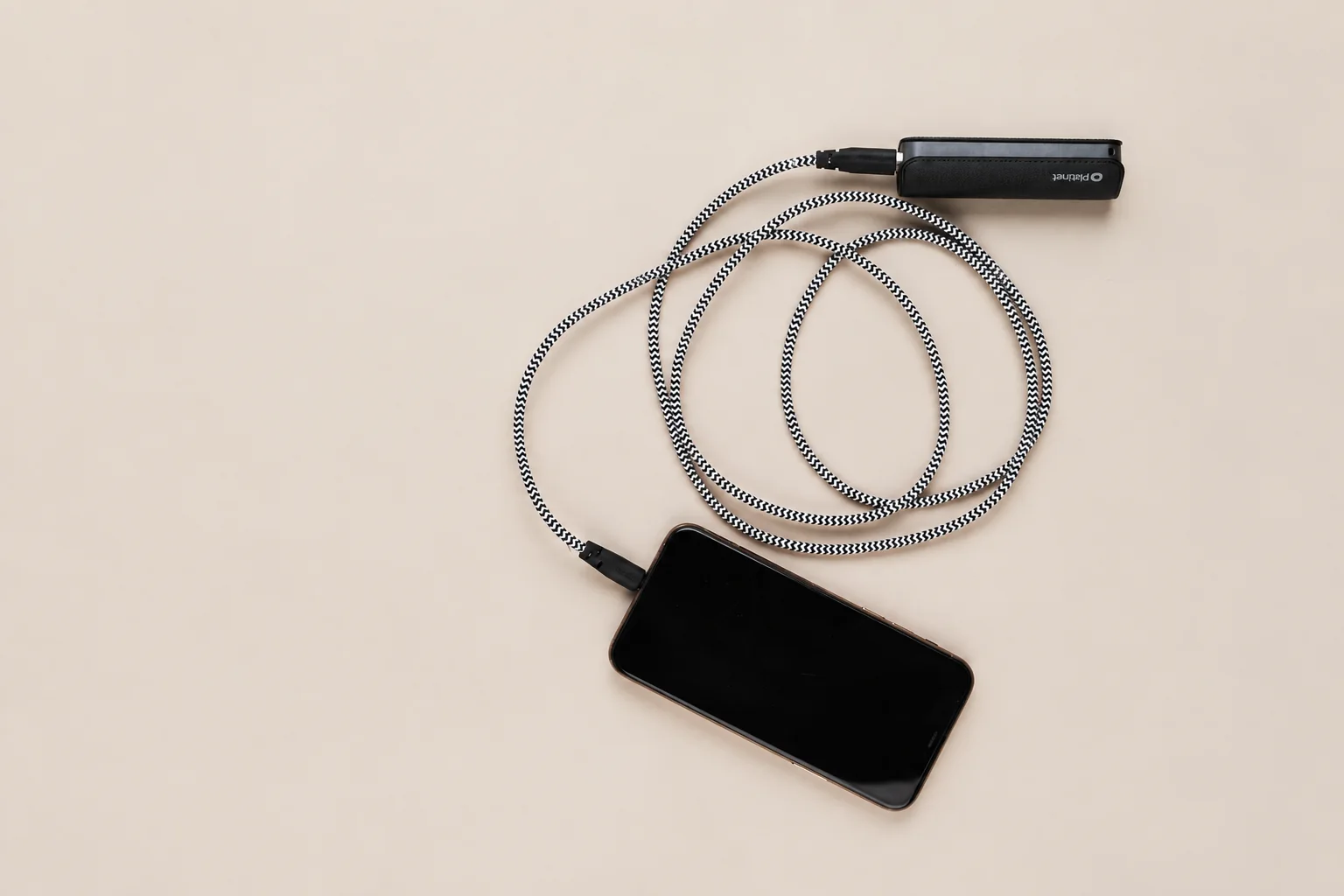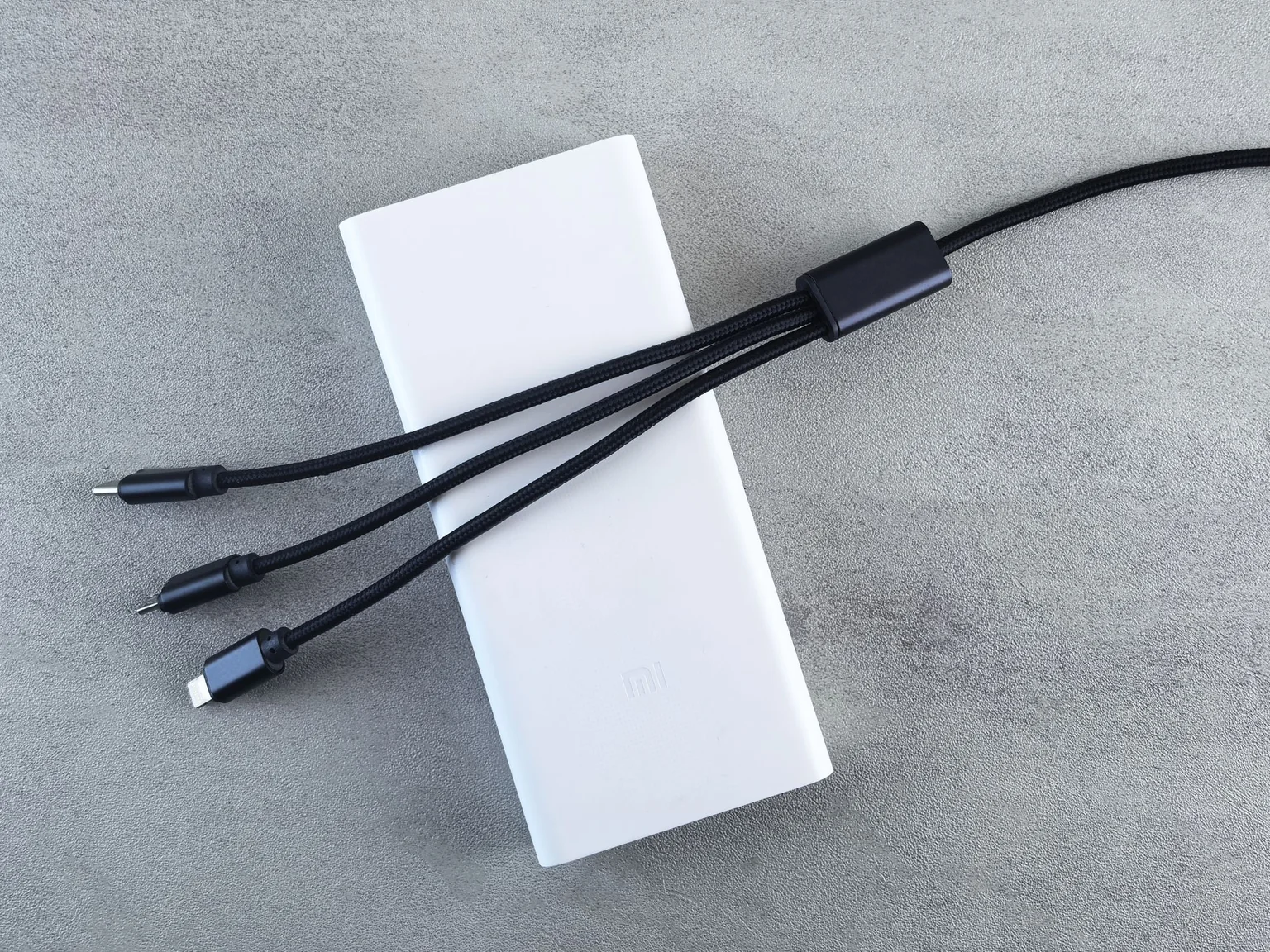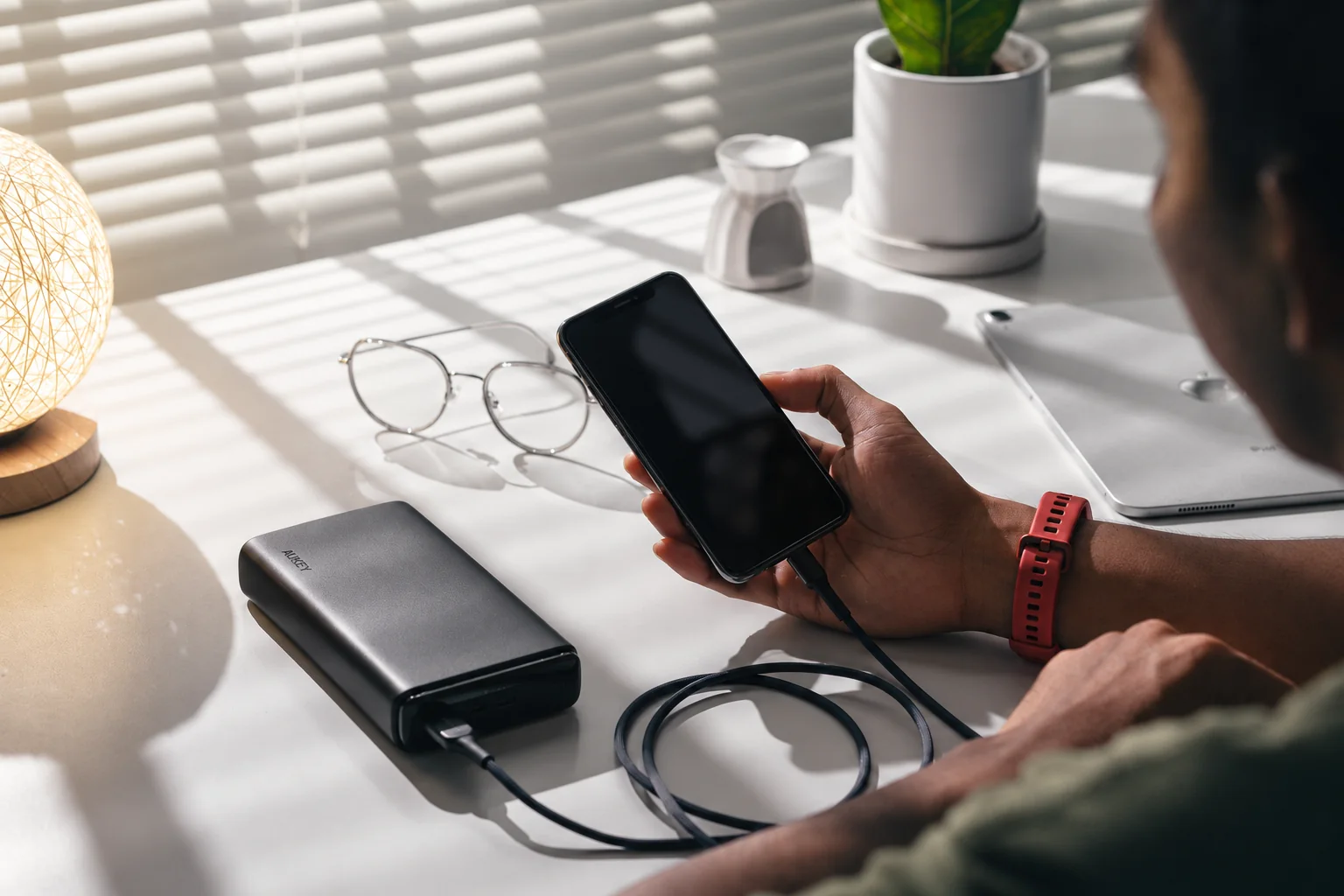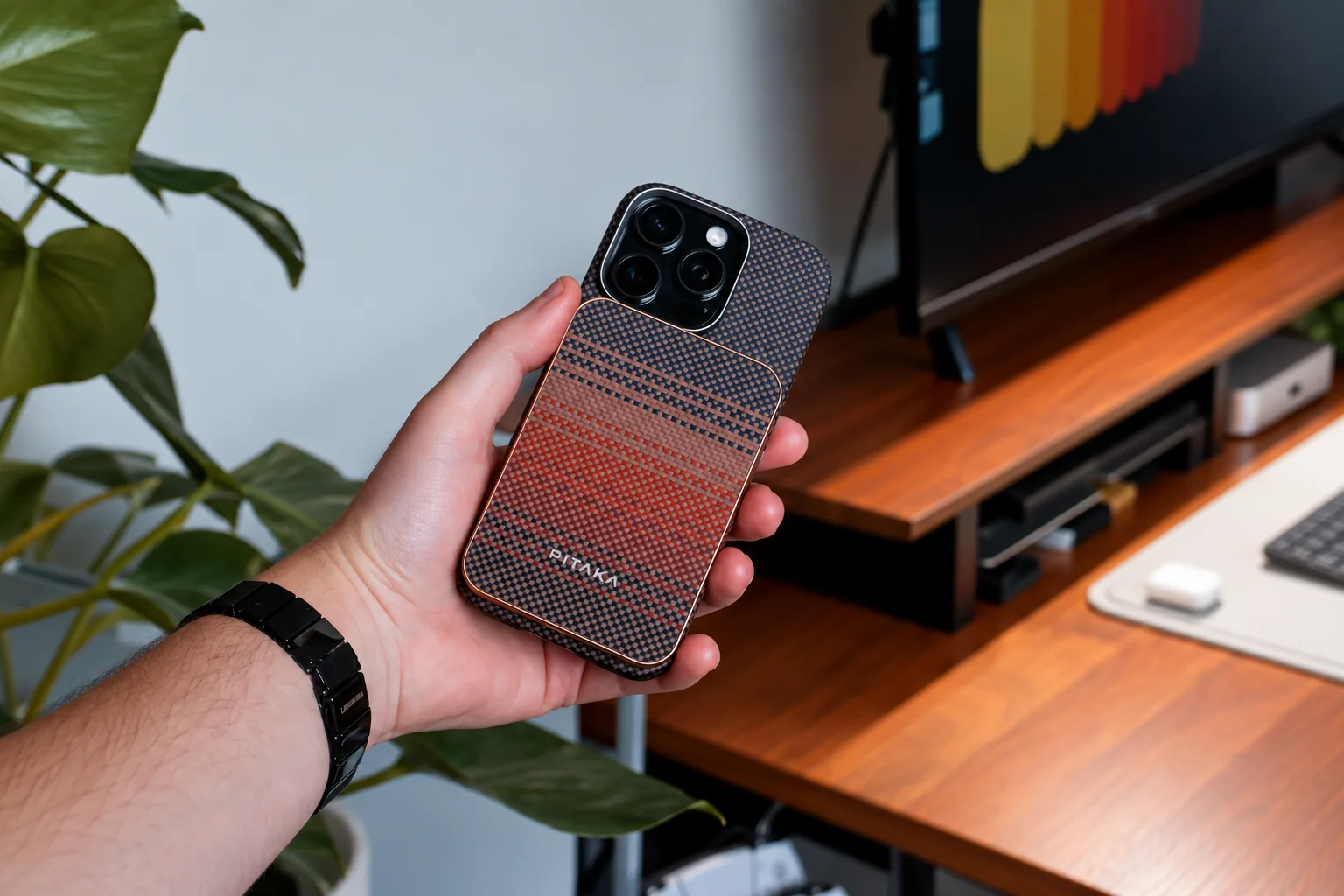
Choose a magnetic pack when leaving it attached solves your charging routine and the maker confirms the phone-and-case combination. For a phone resting on a table, a compatible USB-C cable may cover the task without adding the pack to its back. Compare the charging mode you will actually use, then check fit and handling; magnets alone do not establish charging speed.
What the A1664 specifications let you decide
For the Anker MagGo Power Bank (10K, Slim), model A1664, the manufacturer's specification page gives an outline of 104 × 70.6 × 14.7 mm and a weight of 200 g. It lists a 10,000mAh capacity, up to 15W wireless output and up to 30W USB-C input or output. Choose from the operating mode you will actually use below.
| A1664 mode | Published specification | What to verify in your setup |
|---|---|---|
| Wireless charging alone | Up to 15W | Exact phone support, case compatibility and alignment; this is not a guaranteed sustained rate. |
| USB-C charging alone | Up to 30W output | Phone charging requirements and suitable cable. |
| Recharging the pack | Up to 30W USB-C input | Compatible wall adapter and cable; input power is not a promise of phone output at the same time. |
| USB-C plus wireless output | The page lists a separate total-output mode: USB-C up to 12W, wireless up to 5W | Check the current model instructions instead of assuming 30W plus 15W together. |
For one compatible phone, compare the wireless-only or USB-C-only row with its requirements. If you need wired and wireless charging together, use the separate combined-mode row; buying for both headline maxima would overstate this documented setup.
The product page lists iPhone 12–16 series compatibility. For an iPhone 17 Pro, a later phone or a case with a large camera surround, obtain confirmation for the exact combination before ordering. The exact phone-and-case combination determines the fit.
Use the dimensions without inventing compatibility
- Record the phone, case and battery model. Include the case's camera surround and any grip or wallet.
- For the A1664 example, draw a 104 × 70.6 mm rectangle at actual size. Check the ruler after printing if you print it.
- Use an official diagram to locate the pack's magnetic alignment position. If that position is unavailable, do not assume the rectangle can be centered anywhere on the phone.
- Look for possible camera overlap, bottom overhang and covered finger space. The listed 14.7 mm pack depth is an additional consideration; a paper outline does not represent it.
- Classify the result as “possible interference,” “needs physical fit check” or “manufacturer-confirmed combination.” A paper pass is not a verified fit.
Use the outline to reject an obvious mismatch before purchase. If it passes, a physical fit check is still needed for camera clearance at the correct alignment position and stability when the phone moves. A paper template cannot show magnetic holding force.
Check charging certification and accessory restrictions
When Qi certification is claimed, search the exact model in the Wireless Power Consortium product database. Anker describes the A1664 as Qi2-certified; match that exact model in the database when comparing certified options.
Apple's MagSafe guide says to remove an attached iPhone wallet before placing a MagSafe battery, and specifies that the iPhone Air MagSafe Battery fits only iPhone Air. Those are useful examples of why “MagSafe” is not a universal fit promise across every accessory.
Decide how the pack will be used
- Held during a commute: choose an attached pack only after checking the additional published weight, finger position and how the phone will be put away.
- Used at a table: consider the cable route first. Check wired output separately, and do not pay for magnetic attachment unless you will use it.
- Powering wired and wireless devices together: choose from the combined-mode limits rather than adding the individual maxima.
- Recharged alongside the phone: require the exact supported mode in the instructions. Output to two devices and pass-through charging while the pack itself recharges are different questions.
Do not turn a cell-capacity number into a promised count of full phone recharges. Conversion losses, charging mode and phone use affect the result. Keep the pack ventilated, follow the manufacturer's temperature instructions and stop using a swollen or damaged unit.
Continue with case fit checks if the camera surround or grip is the concern, or the travel charger guide if you need to recharge the whole kit from one outlet.
Research-based guide. sources, testing and image policy.