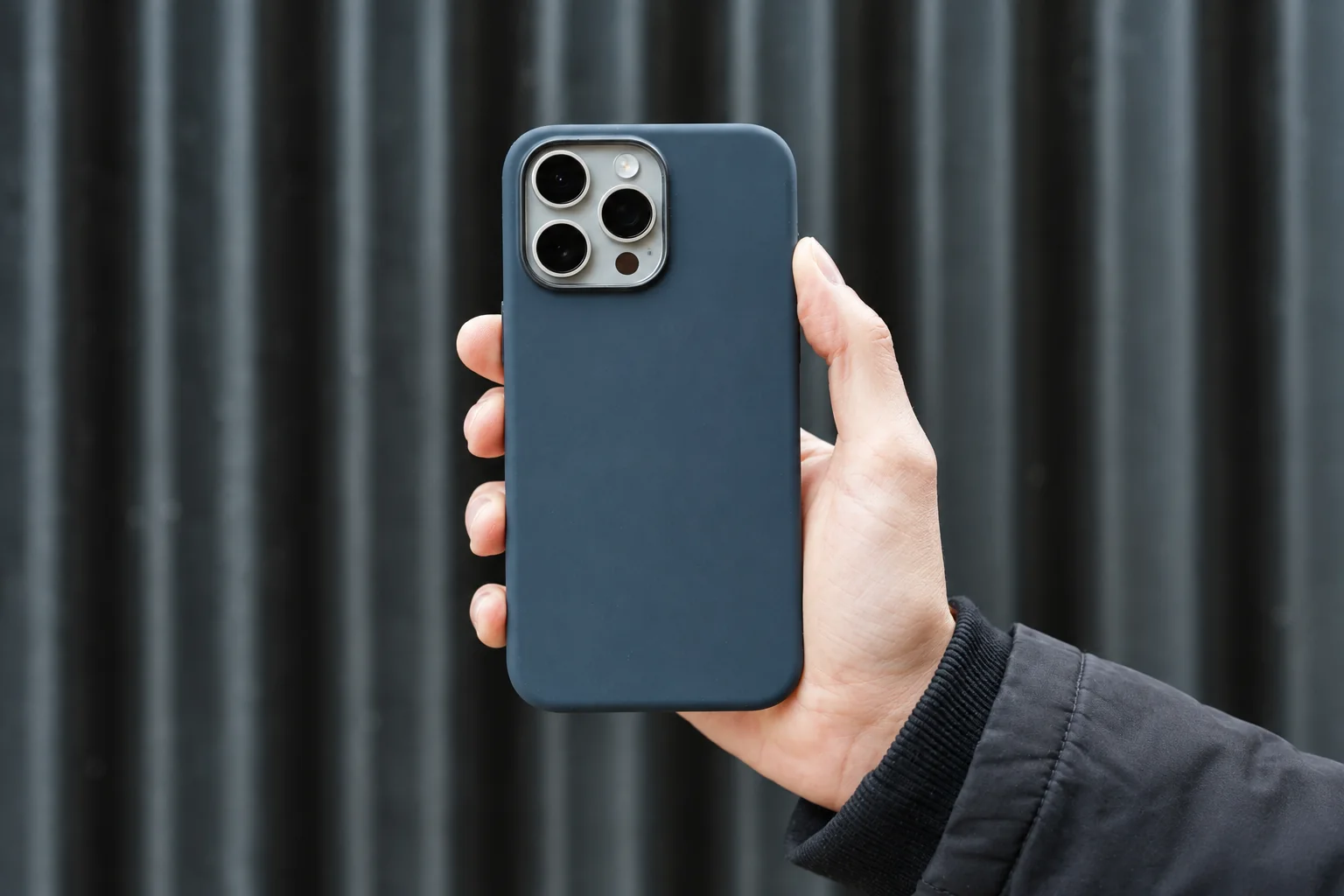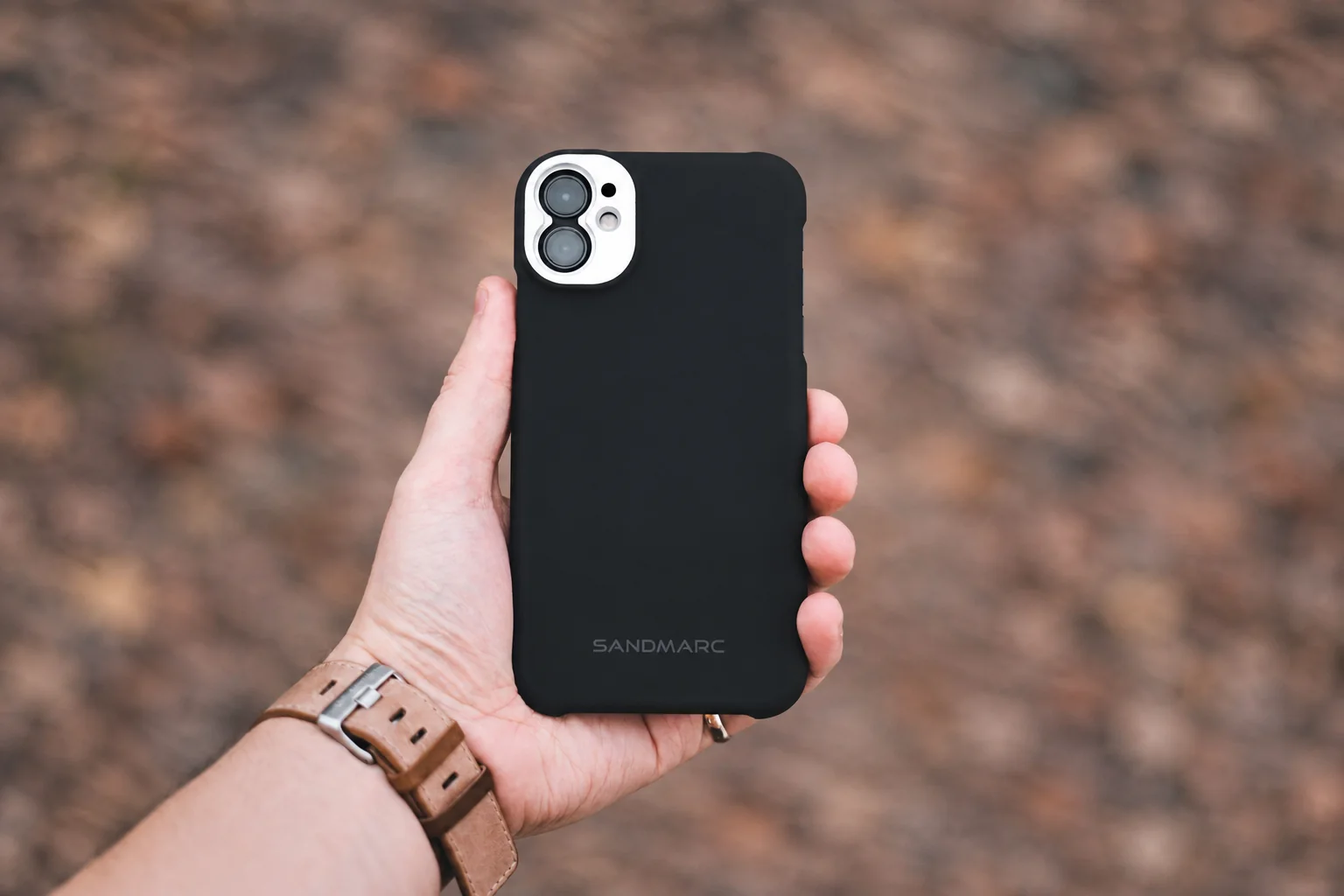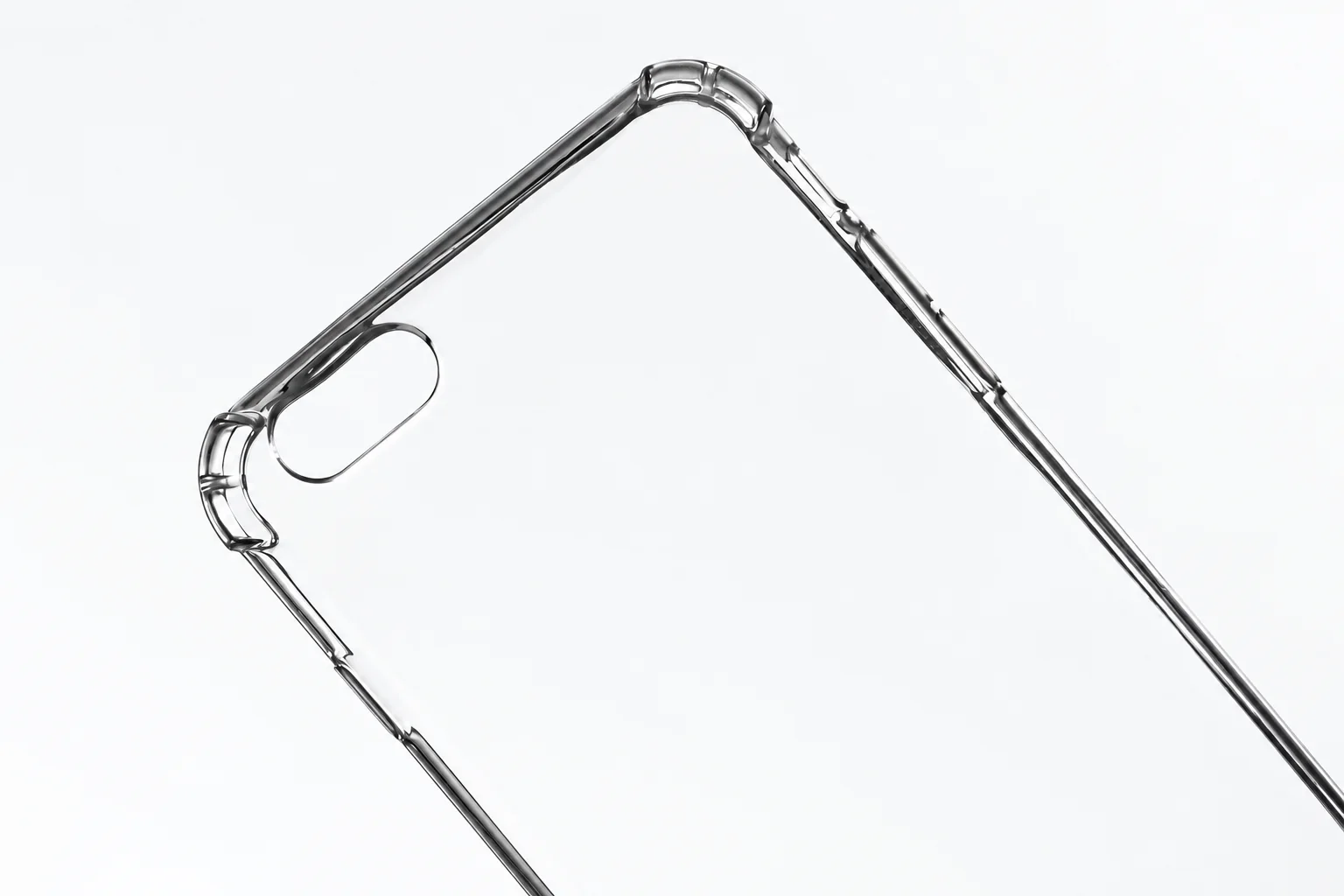
Choose the control design for your exact phone
Choose it if: you want the phone's color visible and the listed control design suits you: the Apple example is for iPhone 16 with a covered Camera Control interface; the Spigen example is for iPhone 16 Pro Max with an open cutout.
Choose another option if: you prefer an opaque finish or a deliberately textured shell. A clear case is primarily a choice to keep the phone's color visible.
Before ordering: select your exact phone variant, locate the case's care and warranty terms, and check that your protector and magnetic accessories can be used with it.
Match the design to your exact phone. The examples fit different models; use their control and material details to identify what you want from a case for yours.
Two examples of what a product page can establish
Use the table to compare documented designs for your own model. The two cases fit different phones, so do not substitute one for the other or treat them as a performance comparison.
| Exact example | Manufacturer describes | What remains unverified |
|---|---|---|
| Apple iPhone 16 Clear Case with MagSafe, MA6A4ZM/A | Clear polycarbonate blended with flexible materials; built-in magnets; Camera Control interface with a sapphire crystal and conductive layer. | Material boundaries and lip measurements are not specified on the reviewed page. We have no long-term color or grip measurements. |
| Spigen iPhone 16 Pro Max Ultra Hybrid (MagFit), selected SKU ACS08689, Frost Rose Titanium | PC and TPU; an open Camera Control cutout; raised edges; support for wireless charging and MagSafe accessories. | The reviewed specifications do not establish the surface friction or clearance with your particular screen protector. Other variants can differ. |
Sources: Apple's exact iPhone 16 case and Spigen's Ultra Hybrid product page. The Spigen page contains several devices and finishes; reselect the model and verify the SKU before using its specifications.
Choose by the part you actually use
| Your problem | Check before ordering | Check after fitting |
|---|---|---|
| The phone slips when picked up | Look at close-ups of the rails and corners, not just the transparent back. Seek a return option if feel matters. | Over a soft surface, hold the phone normally and reach the top controls. Do not attempt a drop or shake test. |
| Camera Control is hard to reach | Compare a covered interface with an open cutout for your exact model. | Try the control with your normal grip. Check whether the edge presses into your finger. |
| The screen protector lifts | Ask for compatibility with the protector model and its edge coverage. | Inspect all corners after installation. A raised case edge alone does not prove protector clearance. |
| Magnetic charging works inconsistently | Match the case, phone and charger compatibility statements. | Remove wallets or grips as instructed by the accessory maker, then check alignment and charging. |
Read yellowing language and warranty separately
Apple describes materials and coatings intended to resist yellowing. That is a design claim, not our aging result or a stated promise that any discoloration receives a replacement. Spigen's general warranty covers manufacturing defects for two years, with exclusions including normal wear and unauthorized sellers; it does not explicitly establish an unconditional yellowing replacement in the page we reviewed. Read the current warranty terms for your purchase channel.
Before paying extra for a clarity claim, ask whether the warranty covers the rails as well as the back, what counts as a defect and who pays shipping. Save the exact model, seller, dated terms and receipt. If the answer is unclear, budget without assuming a replacement.
For a product example on an older phone, our ESR Classic Hybrid review for standard iPhone 14 and 13 covers its clear back, magnetic ring and yellowing claims. For other phones, browse the case guides by exact model.
A simple fit record you can repeat
- Record phone model, case SKU, screen protector and charging accessory.
- On a clean flat surface, inspect whether the installed camera and display are clear of the surface. This does not predict impact performance.
- Check buttons and USB-C plug clearance without forcing a connector.
- Photograph the back and rails in the same daylight setting at installation and later checks. Keep the background and exposure similar; photos are a wear record, not a controlled aging test.
Follow the case maker's cleaning instructions. If low bulk is your main concern, use our iPhone 17 Pro slim-case specification comparison. If you attach a battery, continue with the magnetic pack fit guide: a case fitting the phone does not settle whether a pack clears its camera surround.
Method: model-specific manufacturer specifications and warranty details. PhoneGearDaily has not physically tested the two examples. Read our sources, testing and image policy.