Choose the carry position before the protection label
Choose it if: the iPhone 17 Pro Defender Pro XT's listed port covers and strap anchors solve a specific trail-carry problem, and the fitted phone still works in your pocket.
Choose another option if: those features obstruct your gloves, cable or pocket access. For rain or a water crossing, use a separately specified water enclosure; a port flap does not supply that barrier.
Before ordering: match the exact phone model and approved attachment, then check access with the pack loaded and your usual gloves. A zipped pocket is a useful starting point if no attachment is needed.
The checks below help you choose around your pocket, gloves and cable. Start with the carrying problem, then decide which case features solve it.
Match the case to the part of the hike that causes trouble
| Your usual situation | Useful feature | Check before the return window closes |
|---|---|---|
| Phone rides in a zipped hip-belt pocket | Case dimensions and unobstructed pocket access | Load the pack normally, buckle it and close the pocket around the cased phone without pulling the zipper against a corner. |
| Frequent map checks with gloves | Buttons and screen edges you can reach | While stationary, open your map, zoom and lock the screen with the gloves you use. A case cannot make an incompatible glove work with a touchscreen. |
| Dusty paths and an exposed charging opening | A port cover with room for the actual cable plug | Open and close the cover; connect the cable fully without holding the cover out of the way with force. |
| Phone comes out for photographs near uneven ground | A documented strap attachment system | Follow the maker's fitting instructions and inspect the anchor. Keep any strap short enough to avoid snagging your equipment. |
| Rain, spray or a water crossing | A separately specified water barrier | Check the enclosure's seal procedure, phone fit and limits. A port flap alone does not establish waterproofing. |
A concrete example: OtterBox Defender Series Pro XT for iPhone 17 Pro
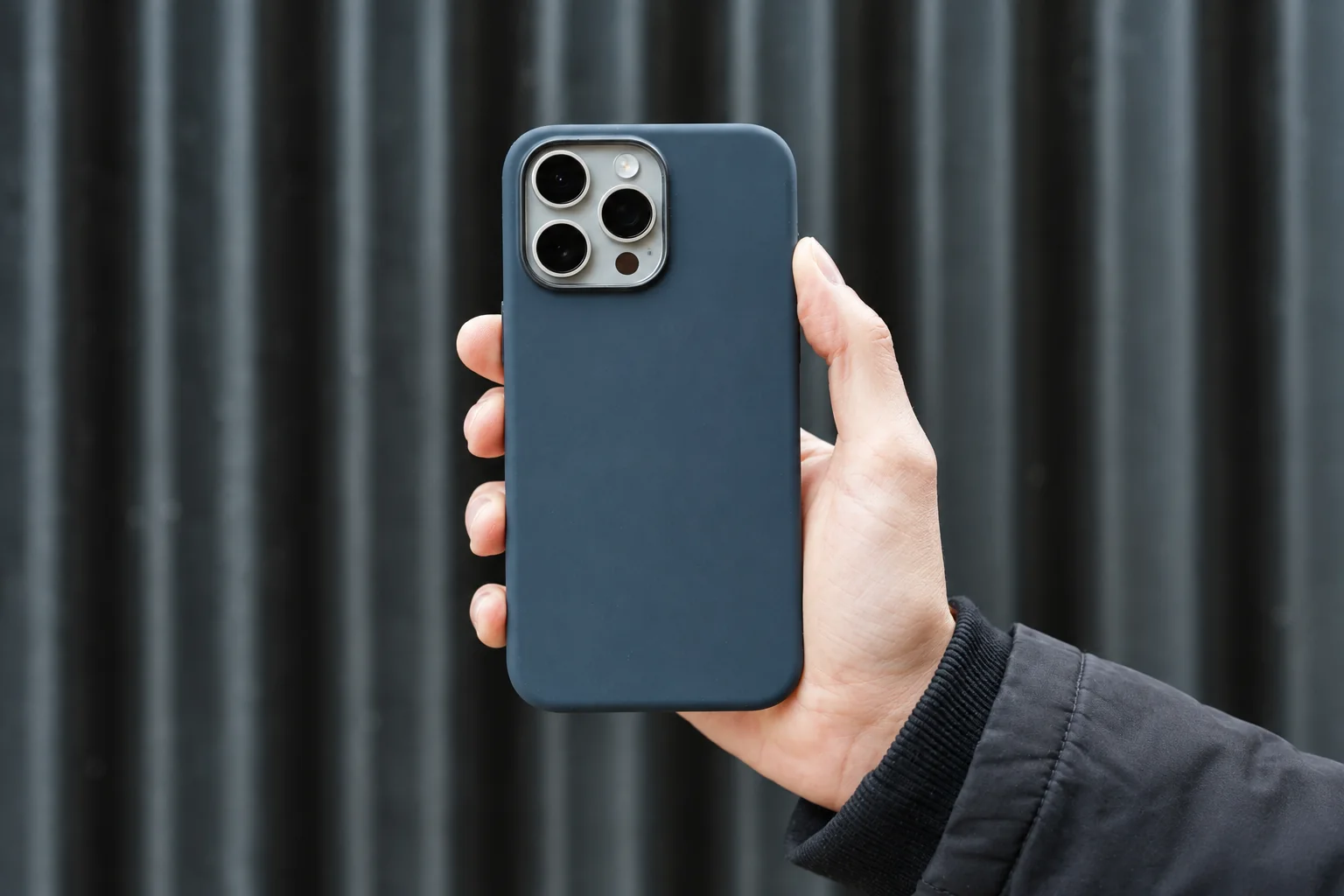
The official iPhone 17 Pro listing identifies a polycarbonate and thermoplastic-elastomer construction, port covers, strap anchors, raised edges and MagSafe magnets. It also lists an integrated Camera Control button. These are useful items to put on a fit checklist; they do not establish how the case will handle your gloves, pocket or a particular fall.
OtterBox describes this model as tested to seven times military drop standard 810G-516.6. That is the manufacturer's claim, not seven times the protection of another case. The listing does not provide a common test dataset for competing products, so this guide does not rank their impact performance. Confirm the exact phone model and regional product before buying; “Defender” alone is not a compatibility specification.
If you own an iPhone 18 Pro Max or 17 Pro Max, see our separate Defender Pro review for those Pro Max models. It covers a different case from the Pro XT example above, with its own dimensions and compatibility. The phone-model index lists the other phones we cover.
Check retention without a drop test
- Fit every corner over the phone and check that no edge lifts the screen protector.
- Over a bed or padded surface, try normal pickup, camera use and return to the pocket.
- If using a strap, use its approved anchor rather than threading a cord through a speaker opening. Check that the plug still seats fully.
- Repeat with the pack loaded. If you need to loosen the belt or tug the phone free every time, change the carrying position before buying more accessories.
A magnetic charging connection is not automatically a retention system for walking. Use a mount only for the activities its manufacturer specifies, and stop in a stable place before handling the phone. A case is not a substitute for a secure pocket.
Keep water and grit separate from impact protection
Apple's water-resistance guidance explains that resistance can diminish with normal wear. It also says to avoid charging a wet phone and to follow its drying instructions. A thick case does not extend those limits. For a separate enclosure, use our waterproof-pouch fit and seal checklist.
After a trip, remove the phone following the case instructions and inspect for grit, split corners and a damaged strap anchor. Record where access was awkward. Change the carry position if that solves the problem; replace the case when its fit or attachment is damaged.
Method: official product and water-resistance sources checked September 15, 2026; selection guidance revised October 5. PhoneGearDaily has not physically tested the case. Read our sources, testing and image policy.