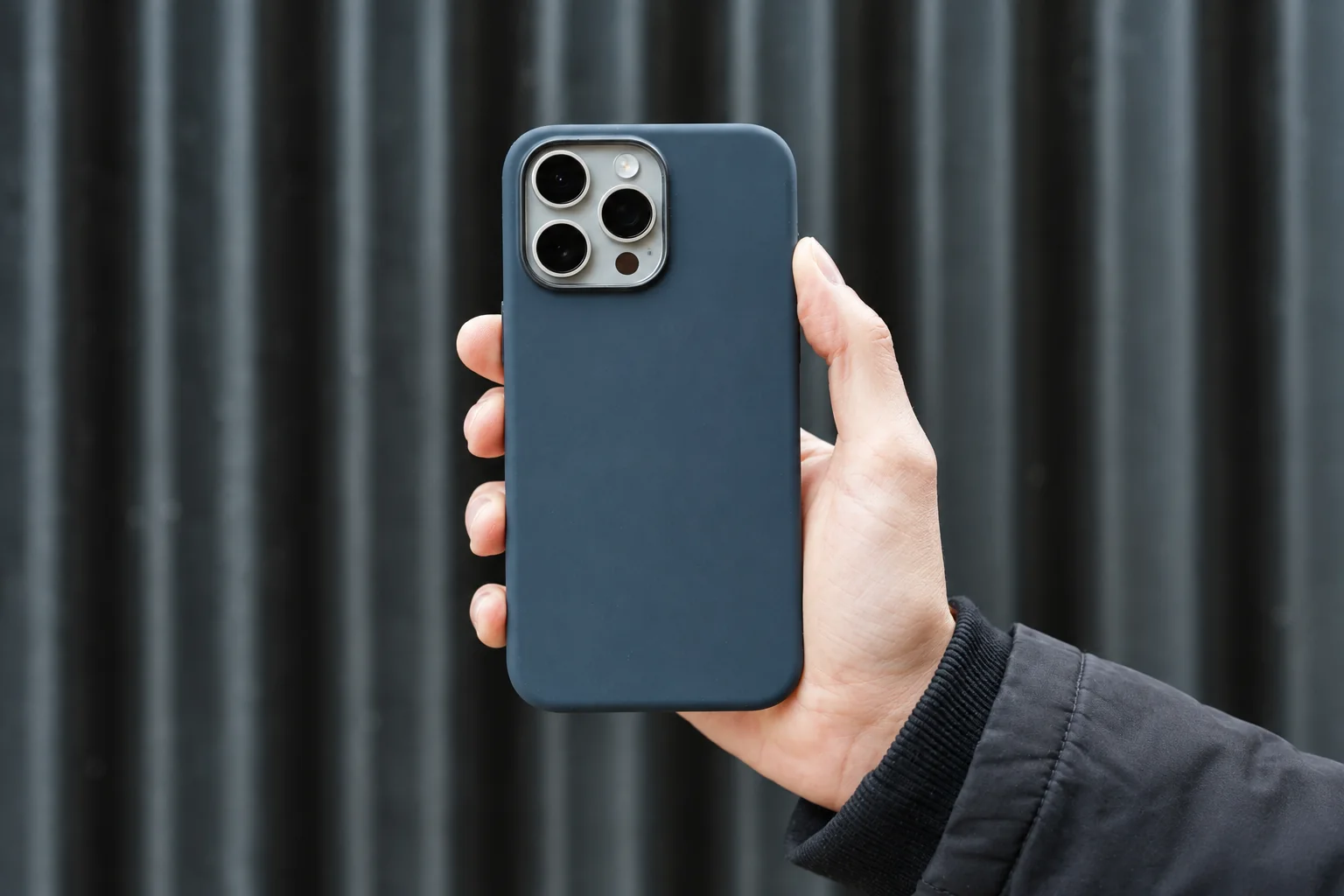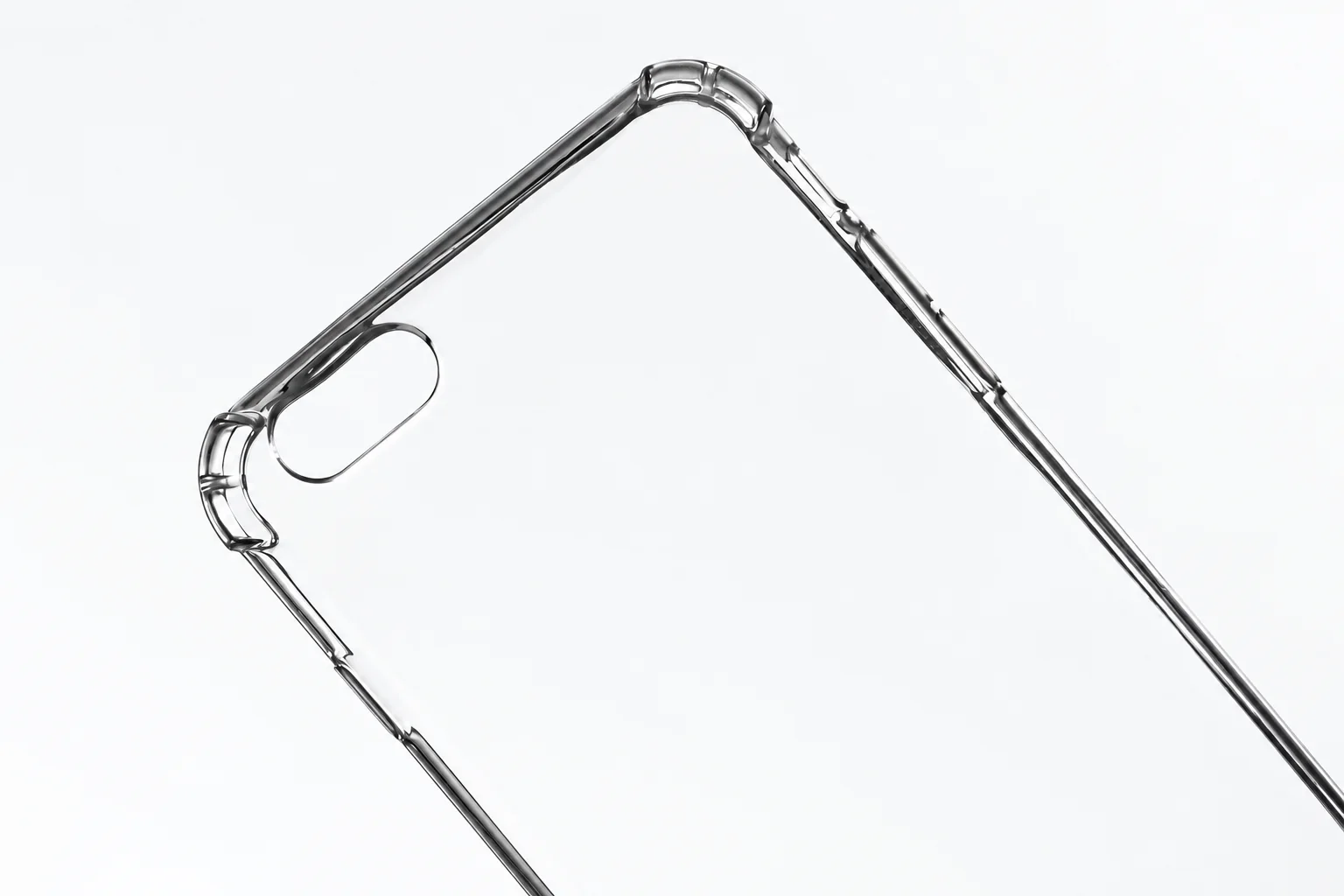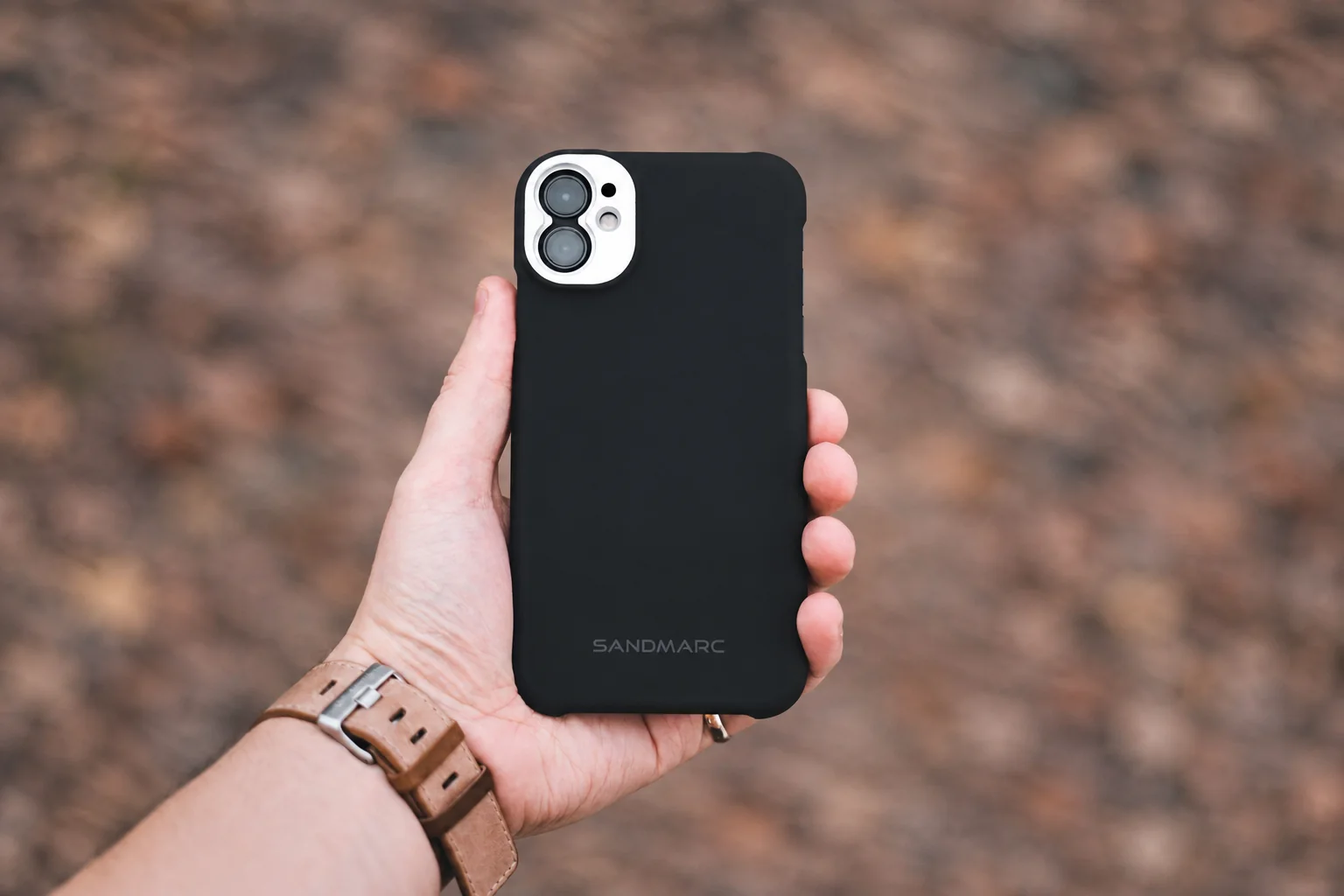
Begin with a case you can clean and refit
Choose it if: you want a documented silicone care routine: the Apple iPhone 17 Pro example supplies one. Investigate the OtterBox Pro XT for the same phone if its port covers or strap anchors are useful to you.
Choose another option if: extra hinges, covers or attachments make cleaning and cable access awkward. Start with a plain shell if those features would go unused.
Before ordering: confirm iPhone 17 Pro, read the actual maker's care instructions and check grip, refitting and cable access. Keep detachable parts out of young children's reach.
Choose the design that fits your cleaning routine and usual charging spot. Keep a stable phone resting place away from the counter edge.
Two specific constructions to compare
For iPhone 17 Pro, choose according to care and access needs. These are adult phone accessories, not child-safety products.
| Exact example | Officially described features | Household fit question |
|---|---|---|
| Apple iPhone 17 Pro Silicone Case with MagSafe | Silicone exterior, microfiber lining, integrated Camera Control interface and MagSafe magnets | Can you wipe the inside and outside, refit all corners and use the usual charging cable without disturbing the case? |
| OtterBox Defender Series Pro XT for iPhone 17 Pro | Polycarbonate and thermoplastic elastomer, port covers, strap anchors and raised screen/camera edges | Do the extra edges and port cover suit your grip and cleaning routine, or make daily access awkward? |
Neither the material name nor a marketing drop claim proves that a phone will survive a fall from a counter. Check the phone model in Settings and on the product page: iPhone 17, 17 Pro and 17 Pro Max need separate compatibility checks.
Cleaning instructions belong to the material
Apple's accessory-cleaning guide tells owners to remove the phone from its silicone case and wipe both sides with a soft, slightly damp, lint-free cloth. It advises against household cleaners, solvents and abrasives. This is guidance for Apple's case; use the actual case maker's instructions for another brand.
A phone-screen cleaning recommendation is not permission to use the same chemical on a case. Before buying, find the case's care page and decide whether the required routine fits your household. If crumbs or sticky residue collect around a stand hinge, that hinge becomes an extra cleaning task. An “antimicrobial” label should not replace ordinary cleaning.
A five-stop household check
- Kitchen: choose a stable resting place away from the counter edge. Check whether the phone rocks on its camera surround while you tap the screen.
- Bag: put the cased phone in its usual compartment with the items you carry. Avoid storing it loose with objects that press against the screen.
- Pocket: sit down and stand up with the phone in place. The case should not require a hard tug to remove.
- Charging spot: connect the usual cable and keep it routed away from places a child can pull it. A large connector housing may catch on a case cutout.
- After cleaning: inspect the corners and refit the case. Check that no button stays pressed and no edge lifts the screen protector.
Perform these checks while stationary and with your hands free. Avoid testing one-handed handling while carrying a child. If the grip is uncomfortable, first remove an unnecessary wallet or stand; an attachment can change the balance as much as the case itself.
Make attachments earn their place
Start with the case alone. Add a grip only if it solves a handling problem you can name and fits the maker's instructions. Keep detachable parts, magnets and straps out of young children's reach. Stop using an accessory if its fastener loosens or a piece breaks off. A case does not make the phone a toy.
For an adult choosing between a plain shell and a wallet case, count the actions in a normal day: opening the camera, charging, cleaning and putting the phone into a bag. Choose the arrangement with fewer recurring annoyances. Our minimal carry guide helps separate a useful attachment from something you can leave at home.
Method: official product and care sources checked September 15, 2026; selection guidance revised October 5. PhoneGearDaily has not physically tested the cases. Read our sources, testing and image policy.