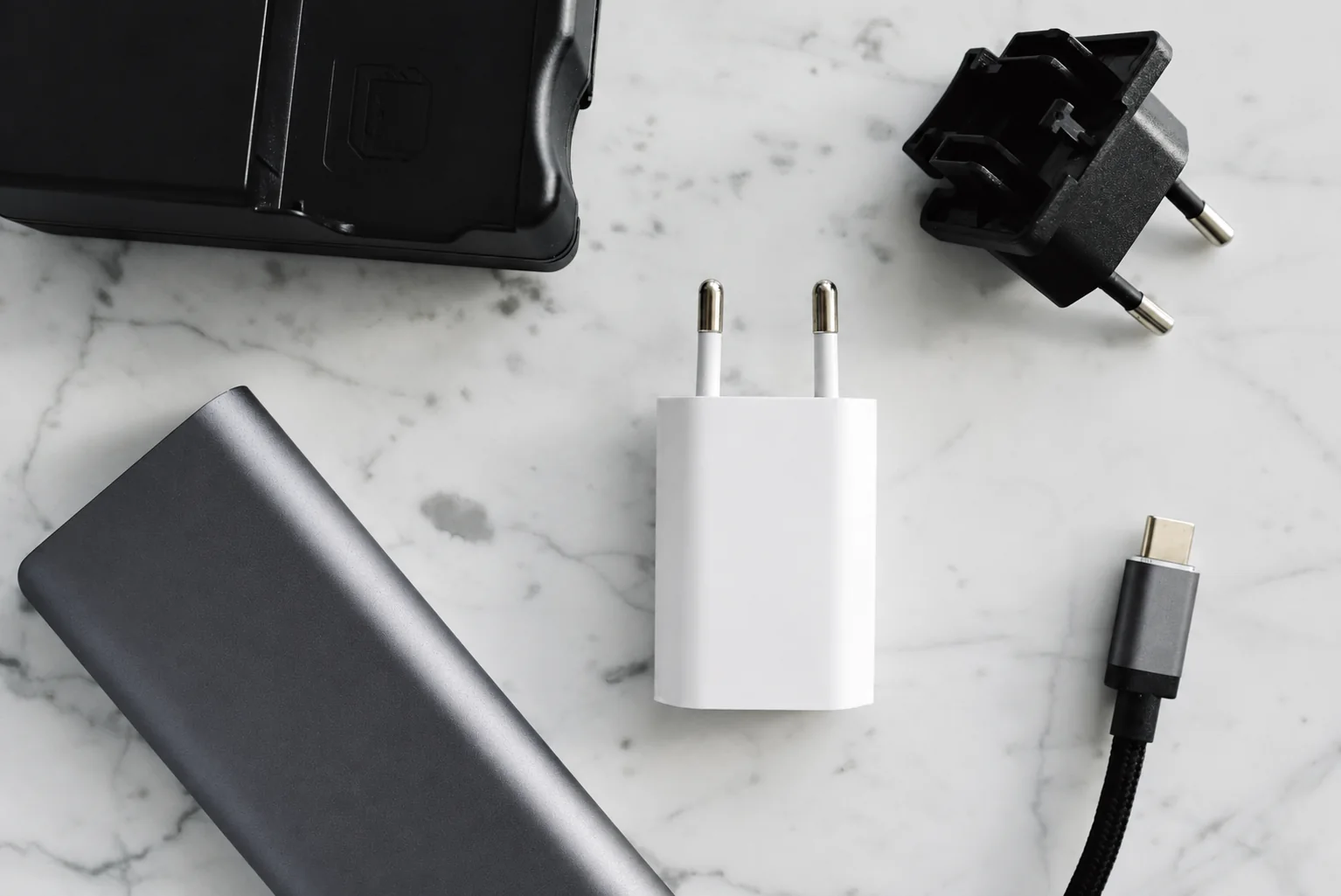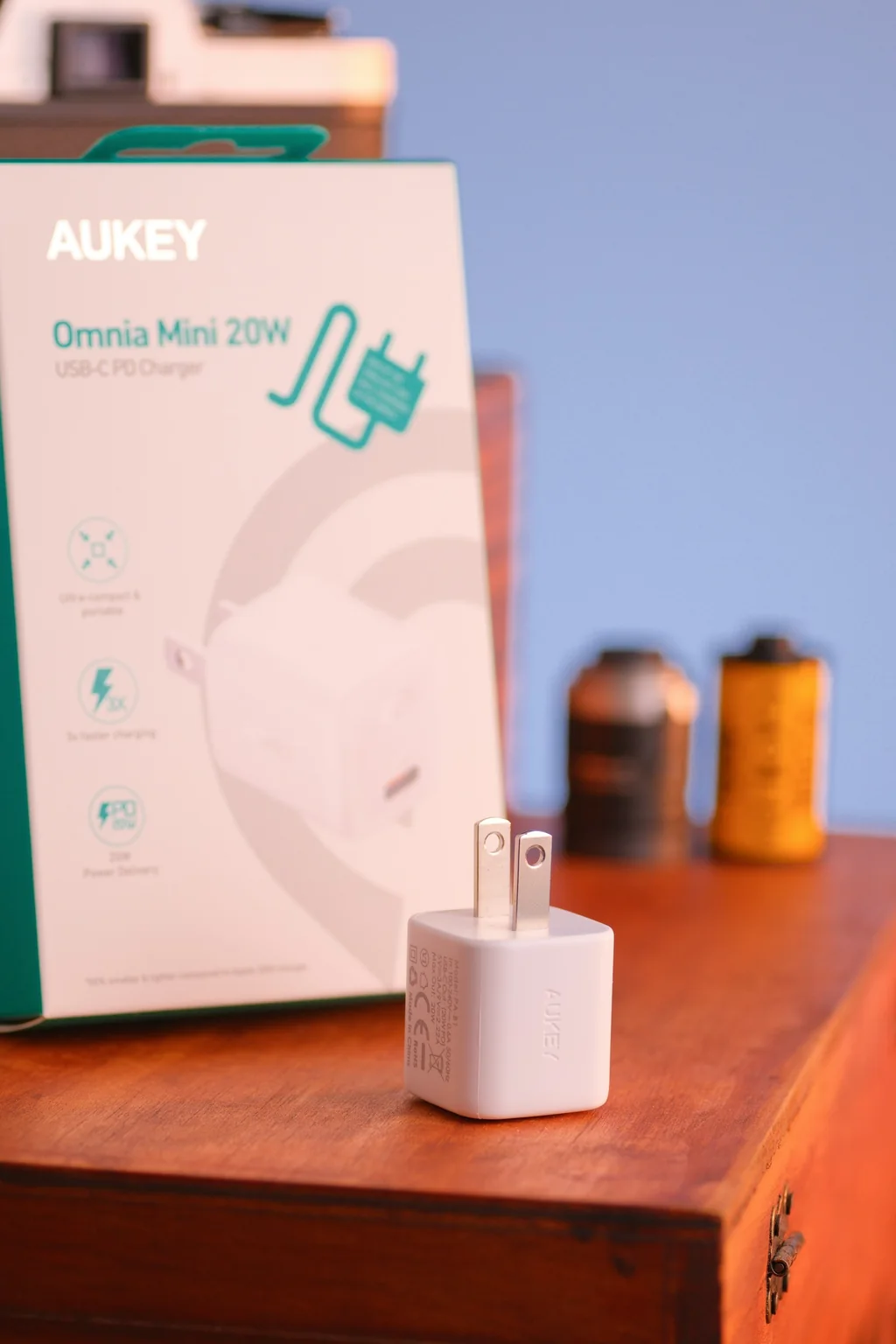
For one phone charging overnight, start with one compatible port and a cable that reaches the bedside. Choose a multiport travel charger when its published shared output covers the devices you will connect together. A 35W adapter with two sockets is not two independent 35W chargers; that distinction matters when both your phone and tablet are nearly empty.
One documented example of shared output
Apple publishes the following allocation for its 35W Dual USB-C Port Power Adapter. Use the stated combination when comparing output; the adapter allocates power according to what you connect.
| Connected devices | Published allocation | Planning implication |
|---|---|---|
| Mac laptop plus iPhone or iPad | Up to 17.5W for each device | Check whether the laptop's requirements fit this shared limit before relying on it for work. |
| iPhone plus iPad | Up to 17.5W for each device | Do not budget 35W per port for a short charging stop. |
| Mac laptop or iPhone plus Apple Watch or AirPods | Up to 27.5W for the larger device and 7.5W for the smaller one | Allocation depends on the combination, so counting ports alone is insufficient. |
For another brand, find the equivalent diagram for the exact ports you will occupy. If it publishes only single-port maxima, skip it for a time-sensitive two-device charging job until the manufacturer supplies the shared-output row. Dividing the headline number yourself cannot establish how the adapter allocates power.
A recorded shared-output example
In its 2022 Anker 737 GaNPrime 120W video, at 1:05–1:15, ChargerLAB reports about 55W for each of two laptops connected to the USB-C ports. Anker identifies this charger as model A2148. This 2022 example leaves the laptop models unnamed, so use it to understand shared output and choose your own setup from its documented requirements.
Set the target using your exact phone
Apple's fast-charge guidance distinguishes model generations. It specifies a 40W-or-higher adapter for the iPhone 17, 17 Pro and 17 Pro Max claim of roughly 50% in 20 minutes, and 20W or higher for the iPhone Air and 17e claim of roughly 50% in 30 minutes. These are Apple's stated conditions; settings, use and temperature affect results.
If you are buying for that iPhone fast-charge target, skip the 35W dual-port example: it does not meet the 40W adapter condition, even with only one device attached. If the job is overnight charging, use the phone's compatibility requirements to decide instead of paying for a short-stop target you do not need. For another phone or a laptop, read that device maker's requirements rather than applying iPhone numbers.
Make a two-device packing plan
| Situation | Record | Decision |
|---|---|---|
| One phone, overnight | Phone model, charger protocol, cable ends and bedside reach | One compatible port may cover the task; no extra ports are required just for the overnight scenario. |
| Phone and tablet during a short stop | Each device's desired charging rate and the adapter's two-port allocation | Select shared outputs that meet the goal, or charge the priority device alone. |
| Phone and working laptop | Laptop recommended adapter power and the exact laptop-port allocation with the phone attached | Do not assume a battery percentage indicator means the charger can sustain the laptop workload. |
Check the wall side and the cable side
Compare the charger with prongs extended and cables connected. A folded-body measurement excludes the clearance you need behind furniture. Check that it will sit securely without blocking the neighboring socket or bending a plug against a wall.
For international travel, match the adapter's printed input range and frequency to the destination supply, then check plug shape. A plug-shape adapter does not by itself convert voltage. If the label or destination requirements are unclear, resolve that before travel rather than treating a universal-looking plug as proof.
On the USB side, use the cable power and data guide. The charger and cable are separate capabilities; neither overrides the device's charging limits.
Make the purchase decision before packing
- Choose one port if the only regular task is charging a compatible phone while you sleep.
- Choose shared ports if the documented allocation meets each device's goal with all intended devices attached.
- Charge the priority device alone if a short stop matters more than keeping every device connected.
- Resolve the input label first if the destination supply or regional plug does not clearly match the charger.
Rehearse the actual setup
- Connect all devices and the exact cables you intend to pack.
- Check each charging indicator, then connect and disconnect the second device to observe whether the arrangement resumes correctly.
- Confirm reach to the resting device without pulling on the outlet.
- Keep the manufacturer's instructions with the model record. A charging icon proves basic function, not the advertised wattage or electrical certification.
If your trip includes a battery pack, plan when that pack recharges too. Our magnetic battery guide separates input, wired output and wireless output so they do not all get counted as the same power requirement.
Research-based guide. sources, testing and image policy.
Watch: choose by ports and connected devices
Original PhoneGearDaily explainer using ChargerLAB · 2022-07-14. Source · Creator’s related video.