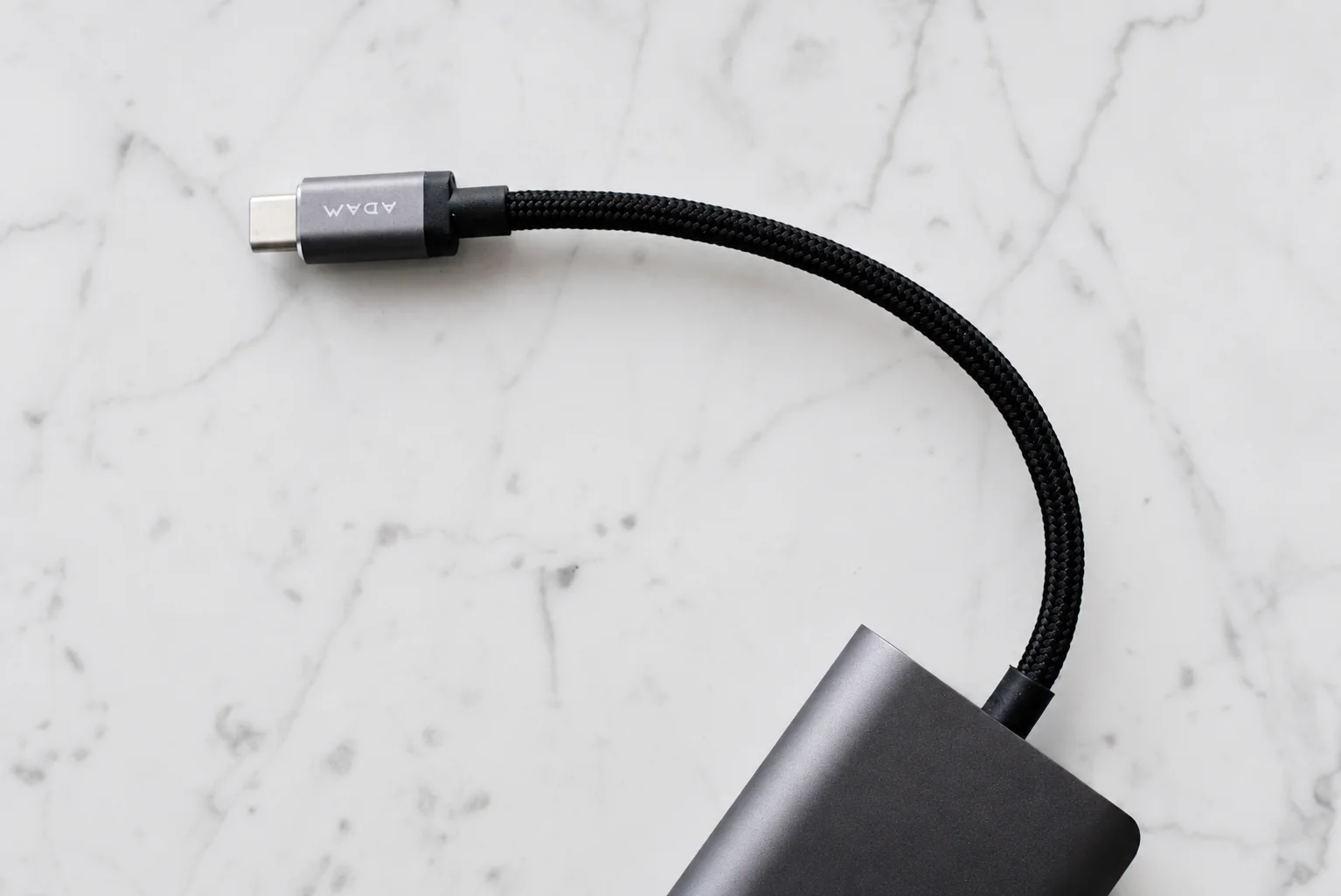
For charging only, choose a cable that meets the phone and charger requirements at a useful length. For file transfer, a display or a wired car interface, add the exact data or video requirement before shopping. Skip a higher-wattage upgrade when the actual problem is missing data support or a plug that does not fit the case.
Choose the cable for one complete task
Keep an existing undamaged cable if it already performs the required task. A faster data cable is a candidate when both connected devices support that rate and file transfer is the job. The iPhone example below separates that need from ordinary overnight charging.
For a display or car connection, look for the required function across the phone, selected port and cable or adapter. If any part is unknown, pause the purchase and check its documentation. An attractive power rating cannot fill the missing requirement.
Before ordering, complete the specification line below and use the checker with Unknown for any unresolved capability. Confirm usable length and plug clearance, then test the intended task while return options remain available. Those setup checks provide a functional result for your equipment, not a maximum-speed benchmark.
Check your cable setup
Choose one job and use the exact model documentation to check the whole connection. Select “Unknown” when a listing only says “USB-C” or “fast.” The result identifies missing checks; it does not look up products or measure performance.
Match the cable to the whole connection
| Task | Evidence to look for | What the label does not prove |
|---|---|---|
| Phone charging | The phone maker's charging requirements; compatible charger output; a cable power rating covering the intended connection. | A 240W cable does not make a phone charge at 240W. |
| Large file transfers | An explicit data rate supported by the phone, computer port and cable. | A charging rating is not a data-rate rating. |
| External display | The exact phone supports video output, and the cable or adapter supports the required display connection. | A USB-C socket or a high power rating does not establish video support. |
| Wired car interface | The car's data-capable port, required connector ends and supported phone connection. | A charging symbol does not prove the car has a working data connection. |
Read 60W and 240W as cable capabilities
USB-IF's current compliance program requires USB-C to USB-C cables to carry a 60W or 240W power marking. Applicable cables also require a data-rate marking; USB 2.0 cables are treated separately. This is a certification-program requirement, not a reason to declare every older cable unsafe or to replace a working cable simply because its labeling differs.
When certification is part of a purchase claim, search the exact manufacturer and model in the USB-IF product list. Match the cable length or variant where identified. A logo in a marketplace image is a starting point for verification.
An iPhone example: charging and file transfer differ
Apple says the included USB-C iPhone cable supports charging and USB 2 data speeds. Its iPhone 15 Pro, 16 Pro and 17 Pro families can support up to 10Gb/s with a compliant USB 3 cable. A faster cable therefore serves a specific file-transfer need; it does not upgrade a phone whose port lacks that capability. See Apple's USB-C connection guide for the supported models and display requirements.
For example, if you only charge an iPhone 16 Pro overnight, replacing the included cable solely for 10Gb/s is unnecessary. If you copy large files to a computer, check the computer port as well as the cable before expecting the faster connection. Use the example that matches your task.
Write a cable specification before shopping
Use this short record: device models → connector at each end → required charging capability → required data or video function → usable length → case clearance. It prevents a thick, high-power charging cable from being mistaken for the right display cable.
- Length: measure the route from the adapter to the resting phone, with enough slack to lift it. Include bends around furniture rather than measuring a straight line.
- Plug housing: compare the case opening with the plug, including any right-angle elbow. Never force a connector through a tight opening.
- Handling: choose a route away from doors, chair wheels and sharp bends. A braided cover alone does not establish a tested service life.
- Warranty: record the actual model and coverage rather than relying on a generic bend-count claim without a test method.
Check the intended job before the return window closes
Try charging with the intended travel charger. If data matters, transfer a disposable test file and open the copy. If video matters, try the actual display and resolution you need. For a car, test the connection while parked. These checks establish basic function in your setup; they do not certify the cable or measure its maximum performance.
Keep one known-working cable for troubleshooting. Change one item at a time when a connection fails: cable, port, adapter or device. Stop using a cable with damaged insulation or a loose, damaged connector. Once the connections work, use the travel cable kit guide to avoid packing duplicates.
Research from linked sources; no PhoneGearDaily hands-on testing. sources, testing and image policy.