Start a dorm setup with one approved charging route at a reachable, stable surface. Keep the existing adapter if it serves that route; add a second one only if carrying it between room and classes causes a repeated problem. Wait for the room layout and residence rules before buying a large station or extension accessories.
Choose for the room you have
If the desk is the normal charging spot, choose cable reach and cased-phone stand clearance for that position. If a raised bed makes the same route awkward, investigate a separate safe resting location rather than stretching a cable across a walkway.
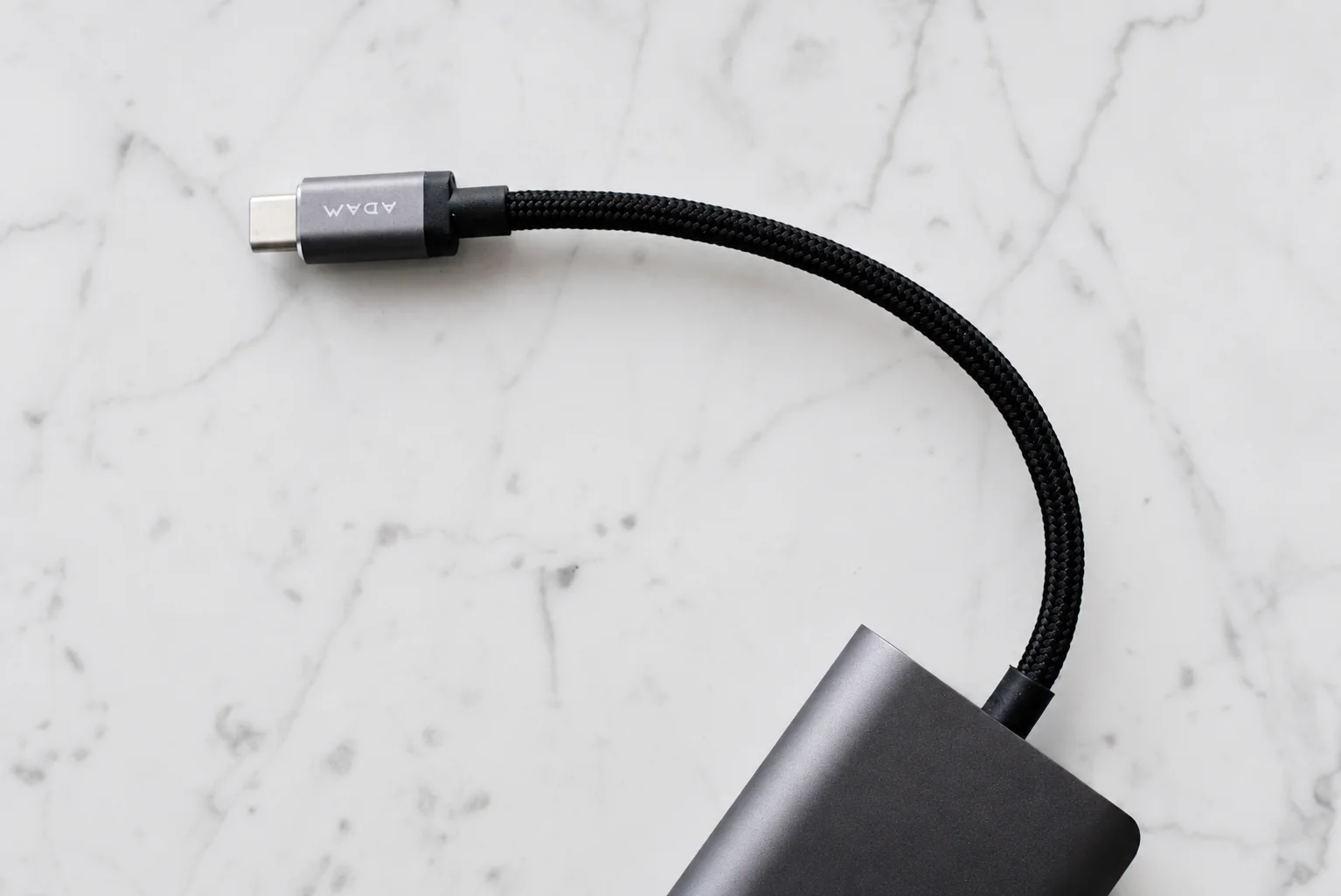
A shared multiport charger is a candidate when roommates agree on its location and the documented simultaneous outputs meet their devices’ needs. Separate existing chargers may be sufficient. Skip a station with slots you will not use or electrical accessories the residence does not allow.
Before ordering, note outlet positions, intended cable paths and permitted equipment. Confirm a practical place for each device rather than choosing a dock by the total wattage on the box. Once in the room, check the full setup from the chair and bed before deciding that additional equipment is necessary.
Give the phone a reachable place
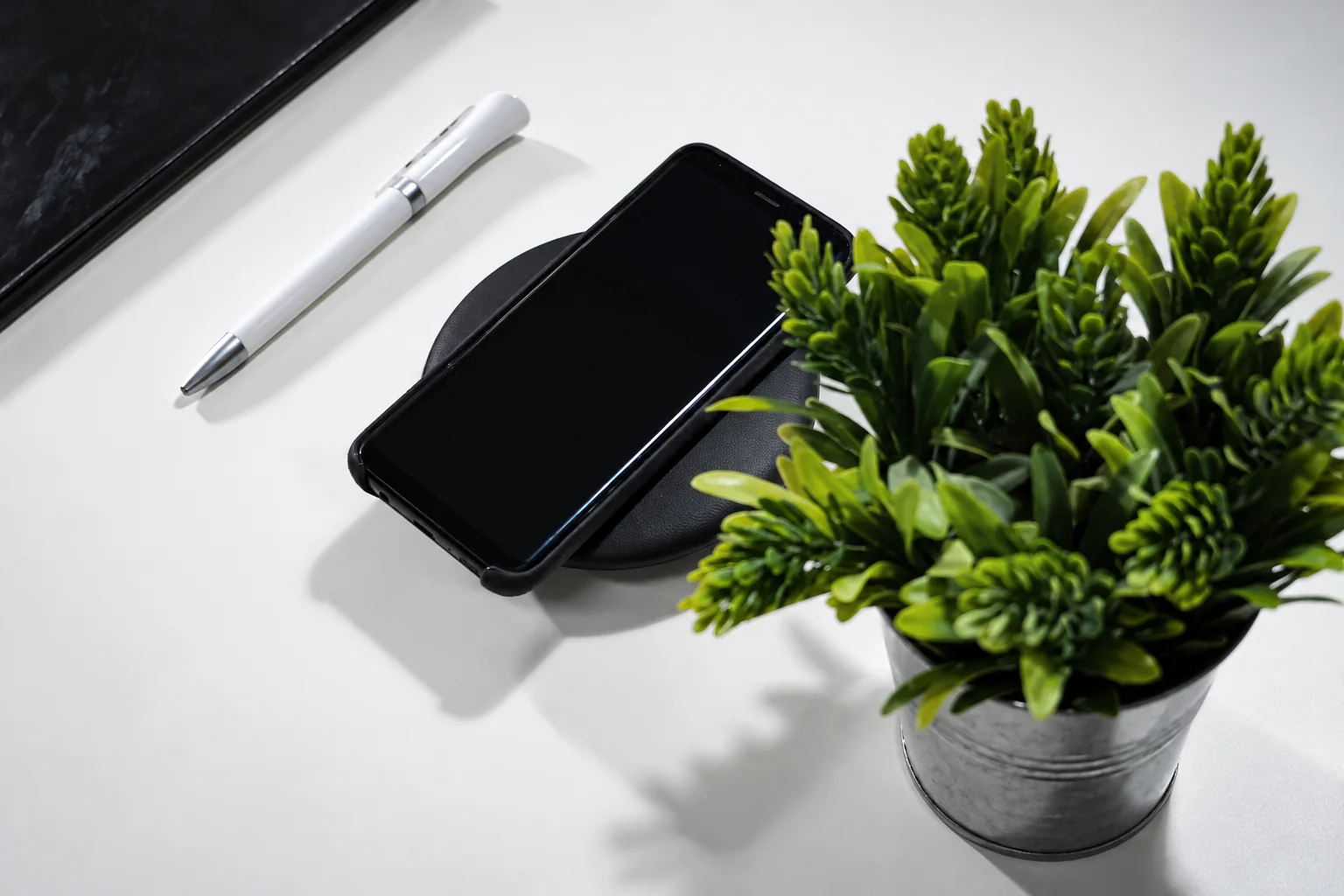
Choose a stable surface that can be reached safely from the bed. Measure the cable route with the bed in its intended position. Avoid a cable that runs across a walkway, is pinched by furniture or pulls the phone toward an edge. A raised bed may need a different charging location from the desk.
Keep shared items identifiable
Label your cable and adapter with a small removable label. If roommates share a charging point, agree where each device goes and avoid a tangle that requires unplugging someone else's equipment. Check simultaneous output before expecting one adapter to handle several devices.
Choose a stand for the desk you have
A folding stand can be put away during study, but it must support the phone with its case fitted and leave space for the cable. Check the viewing angle from your actual chair position. Avoid buying a large station simply because it includes slots for devices you do not own.
Separate campus carry from room charging
Keep a travel cable or bank packed only if your class schedule needs it. Leave the room's main charging route installed so returning home is straightforward. The desk-and-bag setup guide explains when a second adapter can prevent daily repacking.
Research from linked sources; no PhoneGearDaily hands-on testing. sources, testing and image policy.