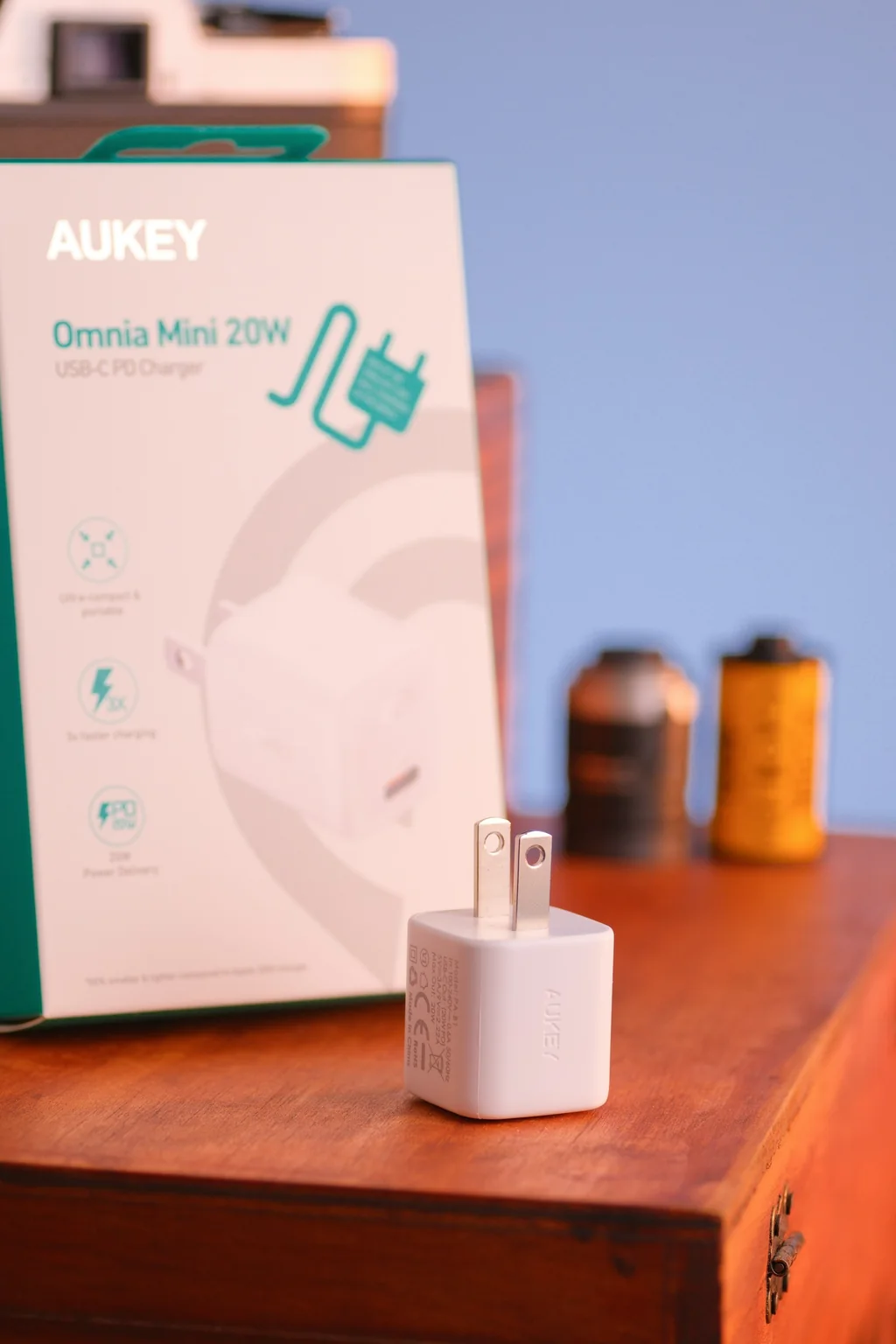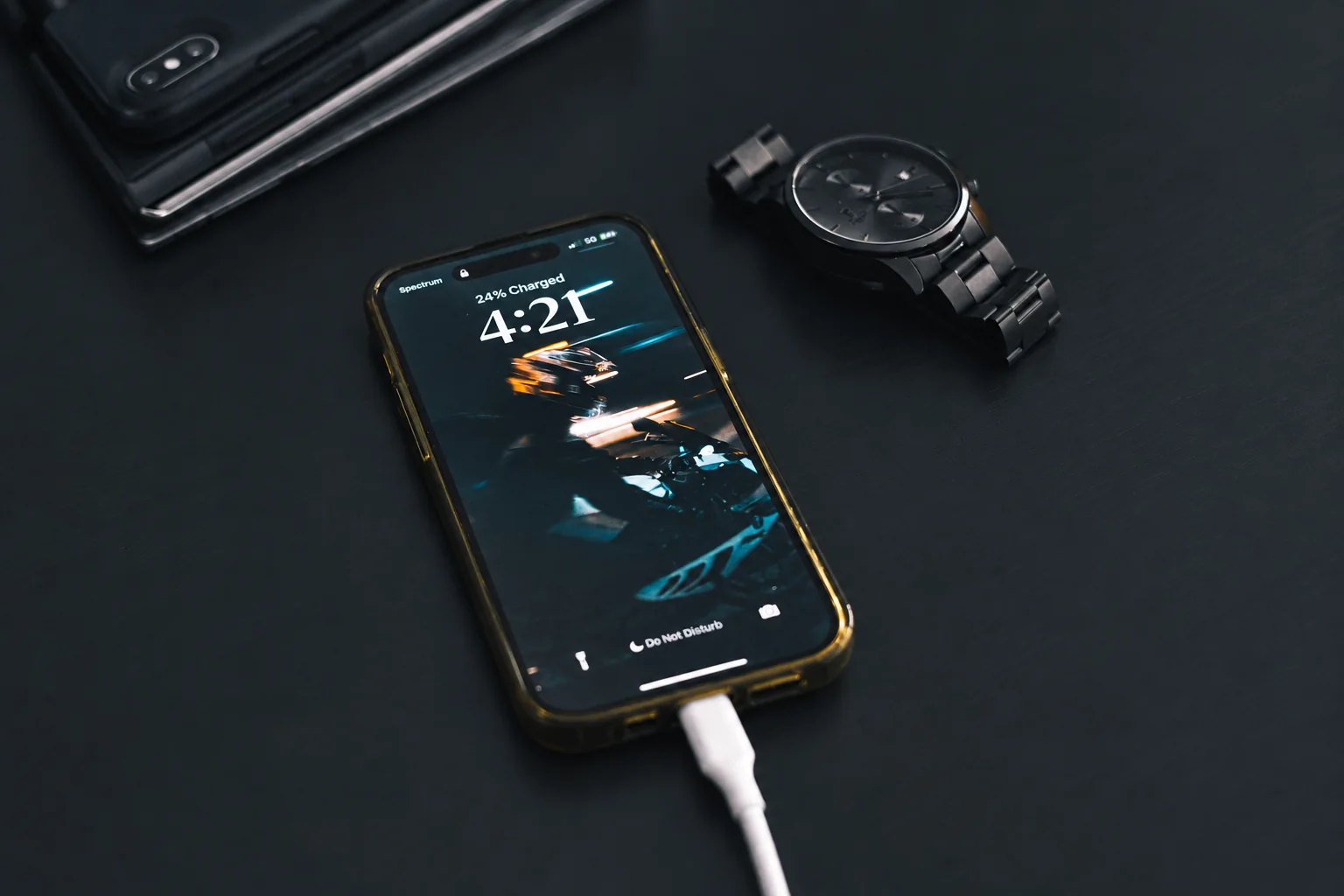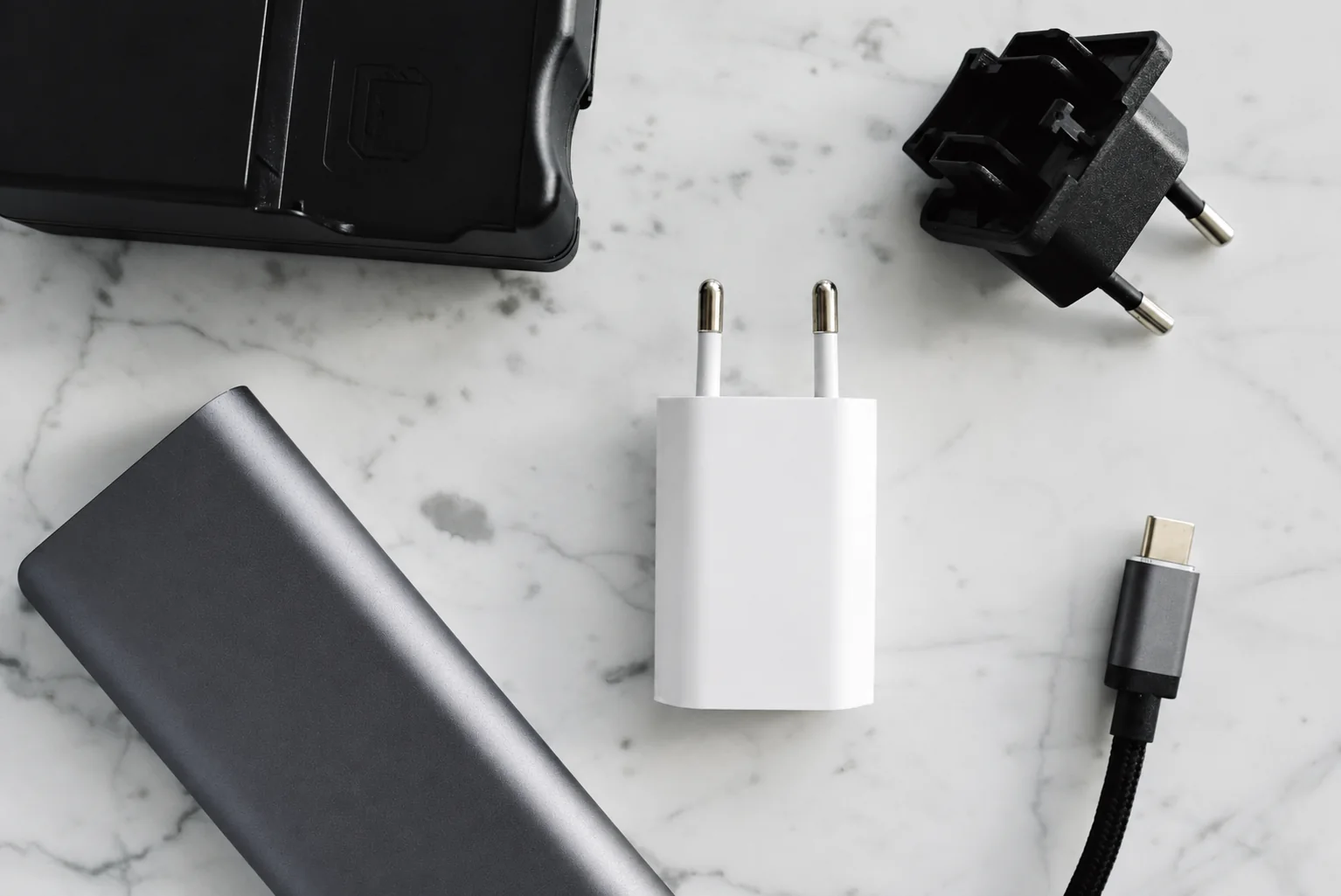
Keep a charger at the desk and a complete adapter-and-cable pair in your bag if packing repeatedly dismantles your desk setup. That division solves the cable you must thread around the monitor again each morning. If your desk already stays connected when you leave, a second charger adds little unless it fills a specific missing charging job.
Map the permanent route
Put the desk adapter where it remains accessible and ventilated. Run one cable to the spot where the phone normally rests. Leave enough slack to pick up the phone without pulling the adapter or stand. Secure the cable farther back with a reusable strap; do not pinch it in a drawer or trap it under a chair wheel.
Decide what shares the desk adapter
Keep a suitable dedicated laptop adapter unless consolidating it solves a real problem. If the phone and laptop will share an adapter, find the manufacturer's output row for those occupied ports and compare it with both devices' requirements. A headline wattage without that row is insufficient for choosing the shared setup.
Label the phone cable at the desk end so it is easy to distinguish from a monitor or data connection. Charging the phone and connecting a display are separate jobs; retain the cable capabilities each job needs.
What connecting the second device can change
In ChargerLAB's July 14, 2022 Samsung EP-T6530 test, an S22+ on USB-C1 and an S21 on USB-C2 simultaneously drew reported readings of 23.25W and 20.89W. That exact pair illustrates shared-output checking; it does not establish results for your laptop or a newer phone. Before consolidating the desk into one adapter, write down every occupied port and compare the corresponding allocation with each device's requirements.
Build a complete travel pair
Assign an adapter and matching cable you already own to the bag before buying another set. Check the phone's required charging protocol, the adapter's output and the cable's power rating together. A spare adapter without its matching cable recreates the original problem. Use a shorter cable for a power bank only if it still reaches comfortably; hotel outlets may call for a longer one.
Check the setup during ordinary work
- Move the desk through its full height range if it is adjustable.
- Lift the phone to answer a call and check that no cable catches.
- Connect the devices you normally charge at the same time.
- Pack the travel pair without disconnecting anything from the desk.
Let the failed check decide what to buy
- The desk cable keeps leaving: add or reassign a complete travel pair.
- The laptop loses the output it needs when the phone connects: keep its dedicated adapter or select a documented shared allocation that meets both requirements.
- The cable catches during normal movement: change the route or usable length before buying a dock.
- Everything works and stays in place: keep the equipment; a dock would add hardware without fixing a missing function.
For cable markings, see USB-IF's cable guidance. Record which pair belongs in the bag so the desk setup survives the next departure.
Research-based guide. sources, testing and image policy.