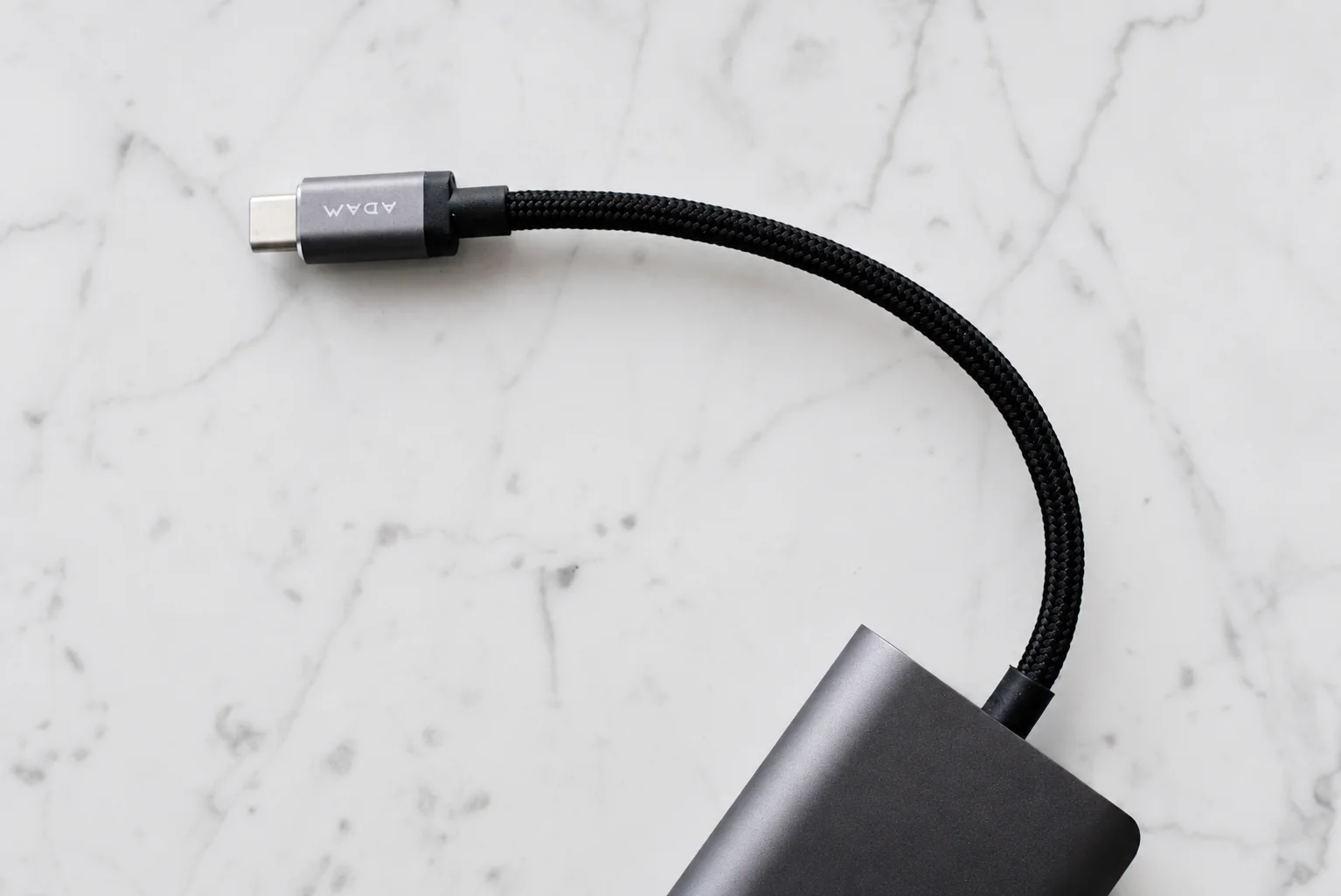
Choose a pouch after checking the kit’s usable layout and the opening that must admit its largest rigid item. A divided pouch is a candidate when small adapters otherwise fall out; a simple opening can suit a cable-first kit. Skip a larger organizer until rearranging or removing an unused item fails to solve the fit.
A small pouch should make the kit easier to find, not merely compress more accessories into a bag. This guide focuses on arranging the items you have chosen: what fits, what presses against what, and what comes out first. If the contents are still undecided, start with the daily carry decision sheet before buying an organizer.
Buy access to the kit, not empty capacity
If the cable is the daily item, choose an opening and pocket position that let you reach it without removing the adapter. If the bank is used more often, give it that access instead. The relevant layout is the one inside your usual bag, not just the arrangement on a table.
A rigid adapter that will not pass through the opening rules out the pouch even if its outside dimensions look large enough. Skip an arrangement that requires tight cable winding or pressure on the battery to close. Separate a bulky item rather than assuming every accessory must share one compartment.
Before checkout, record usable compartment dimensions, opening size and the assembled cable loop. Compare a published internal measurement where available; outer dimensions leave fit unresolved. After arrival, use the worksheet below to check retrieval and free closure with the actual equipment before discarding packaging.
Measure the assembled items
Lay the packed cable, adapter and any bank side by side. Measure them in the arrangement you intend to carry, including fixed plugs and the cable loop. Compare that layout with the usable compartment and its opening. A pouch's outer dimensions alone cannot tell you whether the opening will admit a rigid adapter.
Pack hard objects deliberately
Place the adapter where its prongs and corners will not press into a cable or battery. Fold prongs only if designed to fold. Use a loose cable loop and a reusable tie rather than winding the cable tightly around the adapter. The zipper should close without forcing the contents together. If closing the pouch requires compressing the kit, remove an item or try a different arrangement.
Use this layout check
Copy the worksheet into your notes and complete it with your own pouch and equipment. Use the empty fields for your measurements and observations.
| Check | Record your result | If it does not fit |
|---|---|---|
| Compartment and opening | Usable space / opening: ____ | Try the rigid item through the opening before packing the rest. |
| Adapter and cable loop | Position and space required: ____ | Move hard edges away from the cable; do not tighten the loop to force a fit. |
| First item needed | Item / location / other items removed: ____ | Move it near the opening or into its own pocket. |
| Closure and retrieval | Zipper closes freely? ____ Item comes out freely? ____ | Rearrange or reduce contents before choosing a larger pouch. |
Give the frequently used item first access
If the cable is used every day and the adapter only occasionally, place the cable nearest the opening. Keep small connector adapters in a separate pocket so they do not fall out. Open the pouch where you normally use it and retrieve that cable. A layout that works on an empty table may still be awkward inside your usual bag.
Check the kit before returning it to storage
- Connect the cable to the phone through its case.
- Use the packed adapter or bank and confirm charging.
- Check that the cable reaches the places where you usually charge.
- Return everything to the pouch and close it without pressure.
For several devices or connections on a trip, use the travel connection worksheet to check coverage; this layout exercise only establishes whether the chosen equipment is accessible and fits.
Leave room for maintenance
Remove items to inspect them periodically and let any damp pouch dry before storing electronics. Follow the equipment makers' storage instructions. Keep the pouch as a storage organizer rather than assuming it is suitable for enclosed charging.
Research from linked sources; no PhoneGearDaily hands-on testing. sources, testing and image policy.