Choose the next expense from the symptom. Replace a cable when a controlled check identifies a cable fault; compare service options when the battery is degraded; move the charging spot when reach is the problem. A power bank can provide access to power, but it does not repair battery health.
Decide when to buy an accessory and when to seek service
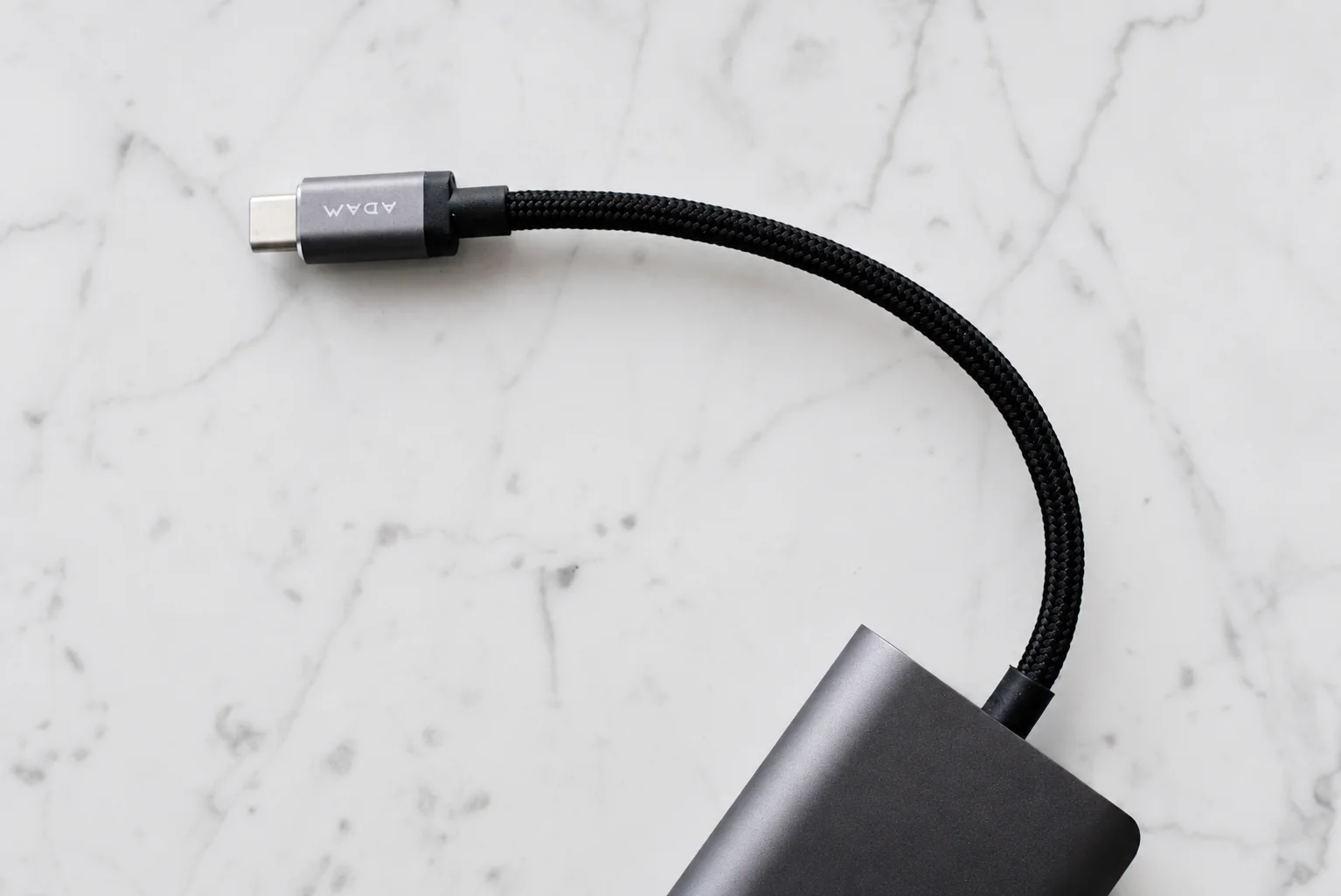
An accessory is a candidate when the phone works normally and a specific connection, reach or handling problem can be isolated. Keep the outlet and other parts unchanged while comparing a known-working compatible cable or adapter. Stop using damaged equipment rather than completing the comparison with it.
Skip a higher-wattage charger as the first response to a phone stopping near 80 percent. Check the supported charge settings and temperature guidance first. For persistent connection faults or a battery service message, use the manufacturer’s service path before adding another workaround.
Before buying, write down the problem, the check that identified the likely cause and the full price of the proposed remedy. If you cannot identify which component or function needs changing, keep the next purchase pending. The hypothetical cost sheet below is for comparing your own quotes, not choosing a product from assumed prices.
Start with the symptom
| What happens | First check | A sensible next step |
|---|---|---|
| Charging works only with one cable | Compare with a known-working compatible cable and adapter, keeping the outlet unchanged. Stop using damaged equipment. | Replace the component the check identifies. If the connection stays unreliable, seek service rather than forcing the plug. |
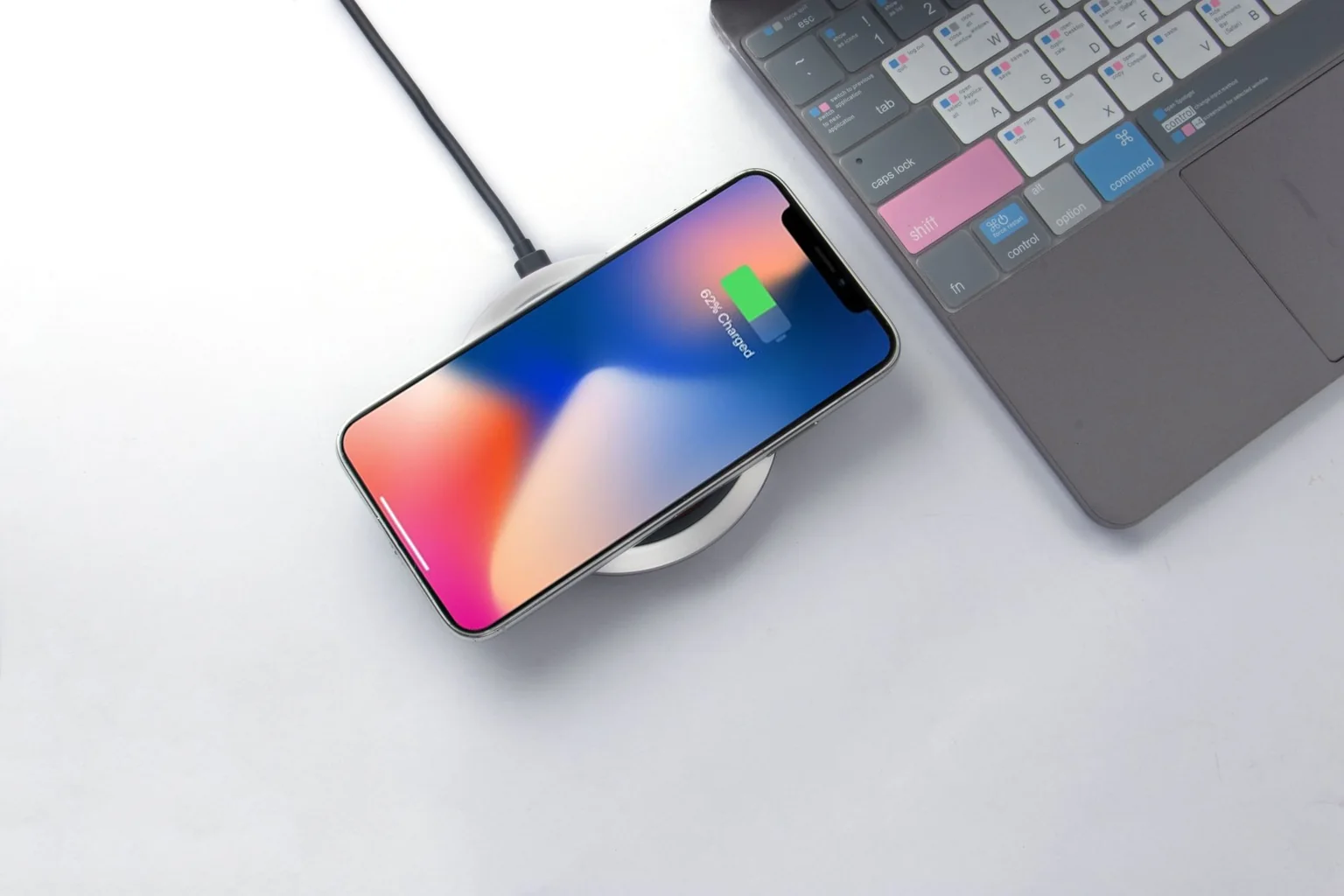
| An iPhone stops near 80 percent | Check Charge Limit, Optimized Battery Charging and temperature. | Resolve the setting or temperature issue first. A higher-wattage adapter may not change the result. |
| The battery runs low on an ordinary day | Review battery-health information, service messages and the day's app usage. | Compare a battery-service estimate with backup-power costs if the battery is degraded; an accessory does not restore its health. |
| The plug or cable cannot reach comfortably | Measure the actual route with room for the phone to move. | Move the charging spot or choose the needed cable length. Keep cable power and data requirements separate. |
| The phone feels awkward to hold or pocket | Try the setup without an optional wallet or stand while stationary over a soft surface. | Change the attachment or case before replacing the phone for a handling problem. |
The charging checks follow Apple's troubleshooting guide. Its advice includes inspecting accessories, trying another outlet or cable, and seeking service if charging still fails. Do not keep using a damaged cable or adapter to complete a comparison.
An iPhone 15 or later may already work with your charger
Apple's USB-C connection guide says iPhone 15 and later can use a compliant USB-C cable and adapter, including USB Power Delivery equipment. It specifically allows a suitable higher-wattage USB-C adapter supplied with a Mac laptop. Check the charger you own before buying a phone-only unit.
For an iPhone 15 Pro, 16 Pro or 17 Pro used to move large video files, Apple specifies an optional USB 3 cable for transfer speeds up to 10 Gbit/s. A charging cable and a fast data cable can have the same connector shape. If the problem is slow file transfer, compare the cable's data specification before replacing the phone. Our USB-C cable guide separates length, power and data choices.
Put accessories and repair on the same cost sheet
Write down the complete cost of each option, including cables, tax, delivery and any required replacement case. Use a service quote for repair and a checkout total for products; a headline price is not enough. Here is a made-up example showing the calculation, not a price survey:
| Option | Assumed total | What it resolves |
|---|---|---|
| Move the existing charging spot | $0 | Cable reach, if the new position is convenient and safe |
| Compatible replacement cable | $20 | A cable fault or insufficient length; not battery deterioration |
| Power bank plus required cable | $45 + $15 = $60 | More access to power away from outlets; adds an item to charge and carry |
| Battery service quote | $100 | A diagnosed worn battery, subject to the provider's assessment |
In this example, backup power costs $40 less initially than service. That does not make it the better remedy for a worn battery. Apple explains that battery aging can reduce both capacity and peak-performance capability; a service recommendation deserves its own assessment. If the phone otherwise meets your needs, compare the repair quote with the full cost of replacement before building an accessory workaround.
Keep a one-week result log
Write down the original problem, the single change and what happened during an ordinary day. For charging, record the starting percentage, time connected and whether an alert appeared. For handling, record the pocket or desk position that caused trouble. These observations are not a laboratory battery test; they help you decide whether the same difficulty keeps recurring.
Keep receipts and packaging until fit and compatibility are established. If the problem remains after the manufacturer's checks, use your notes in a support request. Stop buying add-ons that repeat a failed workaround.
Method: Apple documentation checked September 15, 2026; no PhoneGearDaily hands-on testing. How We Test.