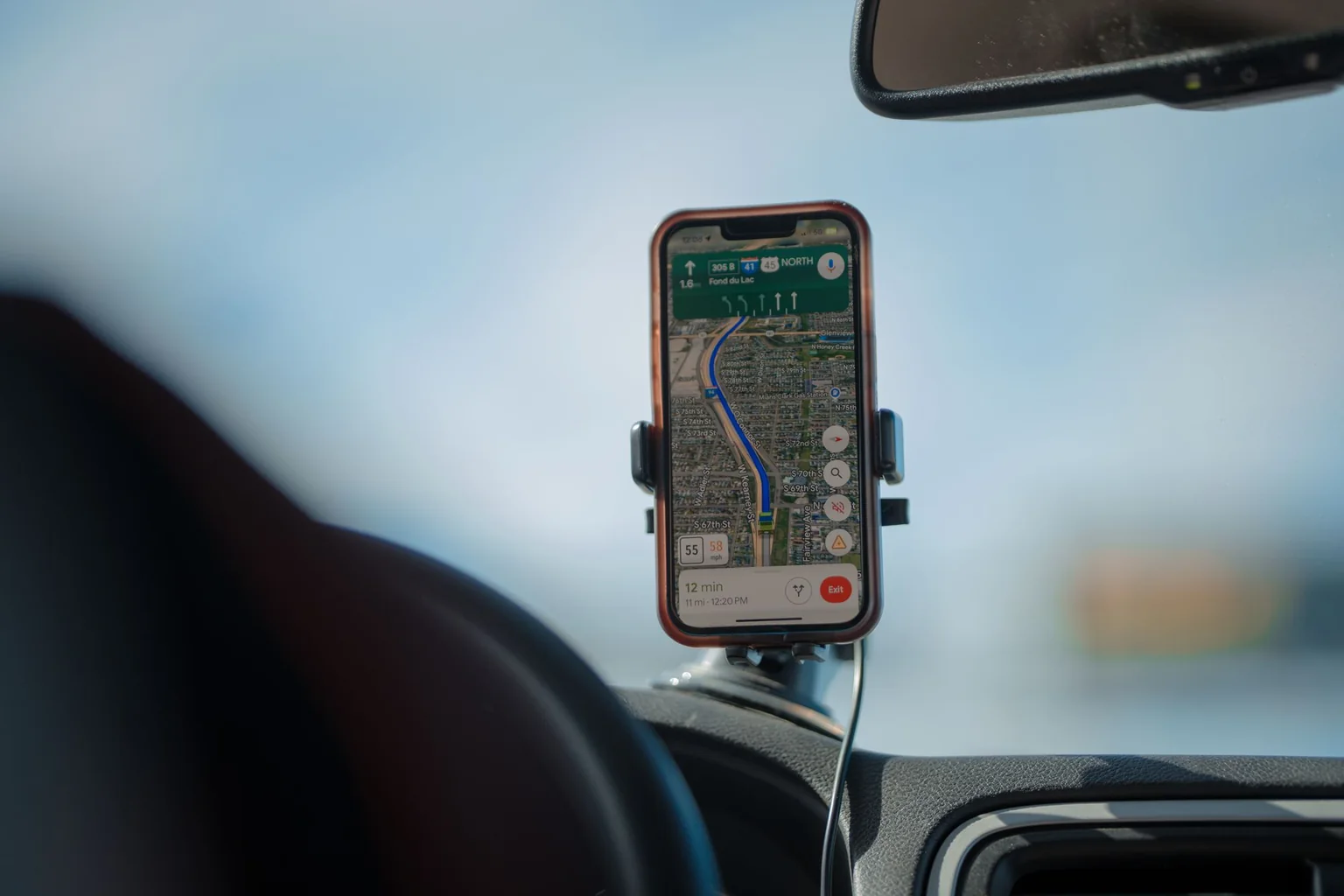
Choose a car charger when its input matches the vehicle socket and its documented output supports the navigation phone with any passenger device attached. Keep the car's existing USB connection if you need the phone interface it carries. Before comparing watts, locate the socket and mount: a blocked cup holder or cable across the gear selector can rule out the setup.
Check the vehicle connection
Read the vehicle manual for the socket's permitted use and rating, then check the adapter's input specification. See whether the socket remains powered after the ignition is off. A built-in USB port may also handle the car's phone interface, so replacing its cable with a power-only connection can change how that interface works.
Plan for the passenger
If two phones will charge, choose from the published two-port allocation rather than the highest single-port rating. Assign the navigation phone to the port that supports its charging requirements with the passenger connected. If the manufacturer does not publish that combination, resolve it before relying on the adapter for a shared trip.
Use separate cables long enough to reach each seat without stretching across controls. For the phone connected to the vehicle's interface, retain any required data capability; a power-only cable can change the connection. A bundled cable is useful only if its connectors and capabilities match the job.
Choose around the connection you need
- Navigation phone alone: match the phone's charging protocol and the vehicle socket input, then check the complete cable route.
- Navigation plus a passenger: require a documented shared-output row and a reachable cable for each seat.
- Phone interface through factory USB: keep that data route unless the vehicle manual documents an alternative. A separate charging adapter does not automatically replace the interface.
- Unclear socket rating or adapter label: hold the purchase until the vehicle and charger specifications can be matched.
Check while parked
- Seat the adapter fully and confirm it does not wobble.
- Place the phone in the mount and connect the intended cable.
- Connect the passenger's phone as well and check both indicators.
- Move the steering wheel and controls through their normal range without a cable catching.
Manage the whole trip
Set the route before driving and stop safely to troubleshoot charging. Keep the phone out of direct sunlight where practical and follow device temperature warnings. A charging icon confirms a connection, not that the battery will gain charge throughout navigation. More advertised wattage cannot solve a bad connector, a cable snag or an overheated phone. For a compatible iPhone power combination, consult Apple's charging guide.
Research-based guide. sources, testing and image policy.