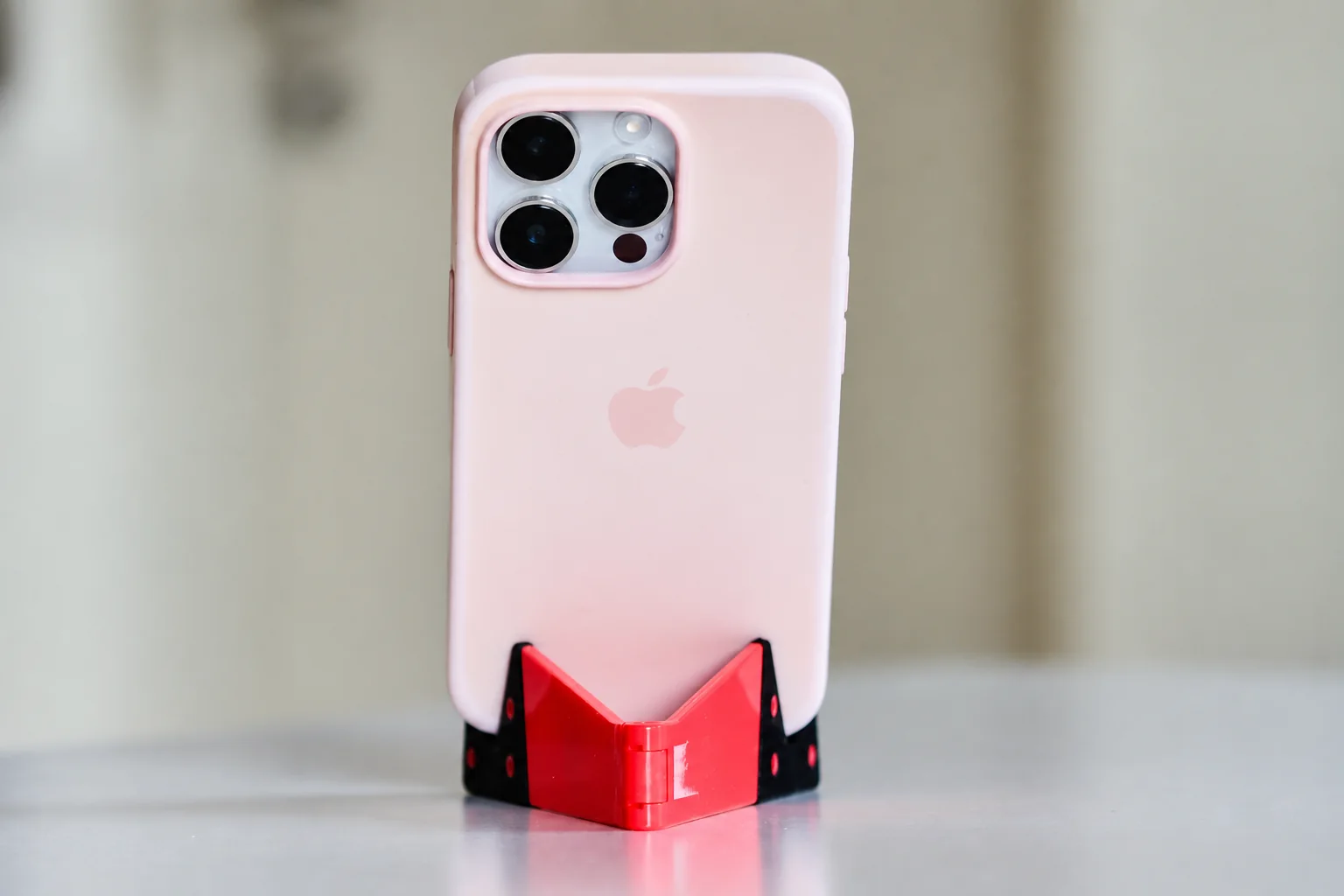
Choose a simple noncharging stand when the job is to keep the phone visible from one seat. Consider an adjustable stand if you switch between a desk and sofa, or portrait calls and landscape viewing. Add charging only when you want power at that location and can verify the complete phone, case and charger combination.
Match the stand to the seat, then the phone
A fixed stand is a candidate for one established viewing position with enough room for the phone and connector. If you change seats or viewing tasks, investigate adjustment range rather than judging the stand by its height in a photograph.
A folding design is worth considering when the surface is cleared regularly or the stand travels with you. Skip extra charging hardware if you already have a satisfactory cable route and need only support. Do not buy unused slots for other devices as a substitute for the dimensions that matter.
Before checkout, record the cased phone’s dimensions, the connector clearance and available tabletop space. Look for a stated supported size and an exchange option if the hinge or angle does not suit your use. After arrival, check the actual seated view and stability on a flat surface away from edges.
Measure with the phone in position
Compare the stand's base and the space occupied by the phone in portrait and landscape orientation. Check whether the camera surround, case ring or wallet prevents it from sitting against the support. Leave room to place and remove the phone without knocking nearby objects.
Check cable clearance
If the charging port faces down, the stand needs room for the connector and a relaxed cable bend. A tall-looking stand may still have a narrow opening. Route the cable so it does not pull the stand toward the edge of the table.
Match adjustment to the job
A fixed angle is simple if you use one seat. An adjustable hinge offers flexibility but should hold the cased phone at the intended angle. Test stability on a flat surface before tapping the screen. Keep the stand away from edges and do not use an unstable arrangement to compensate for the wrong viewing height.
Keep charging optional
A stand without electronics can remain useful after a phone upgrade if its dimensions still fit. A charging stand adds compatibility requirements and a cable route of its own. Buy that feature only if you want the phone to charge in that location; otherwise a simple support and the charging equipment you already own may be sufficient.
Research from linked sources; no PhoneGearDaily hands-on testing. sources, testing and image policy.