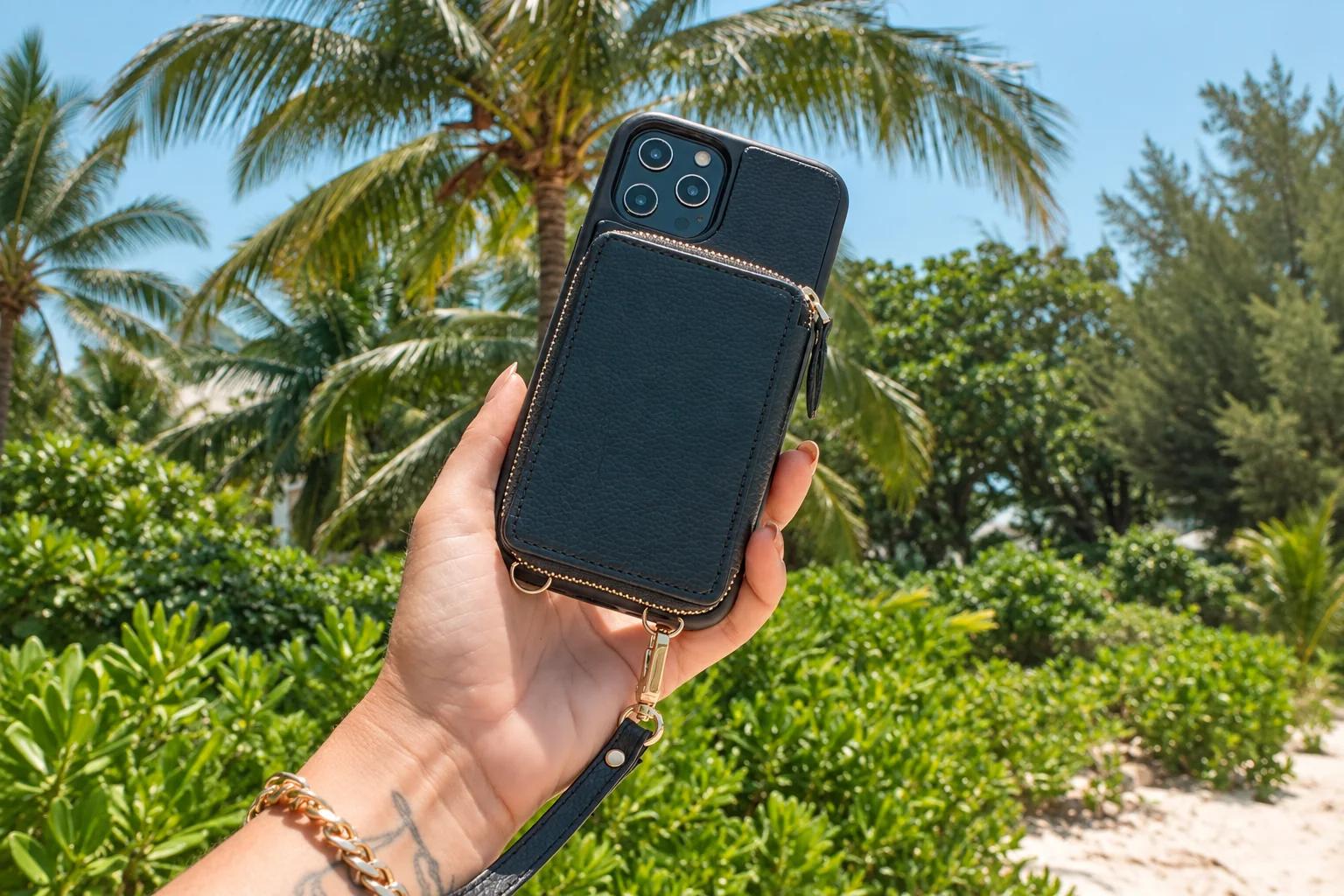
Choose a wrist loop if you want an extra connection while handling the phone; choose a crossbody strap if you want to carry it outside a pocket. Either choice depends on an attachment intended for your exact case and an adjustment that suits your usual clothing. If the attachment compatibility is unclear, keep the phone in a pocket or bag.
Choose the attachment before the strap color
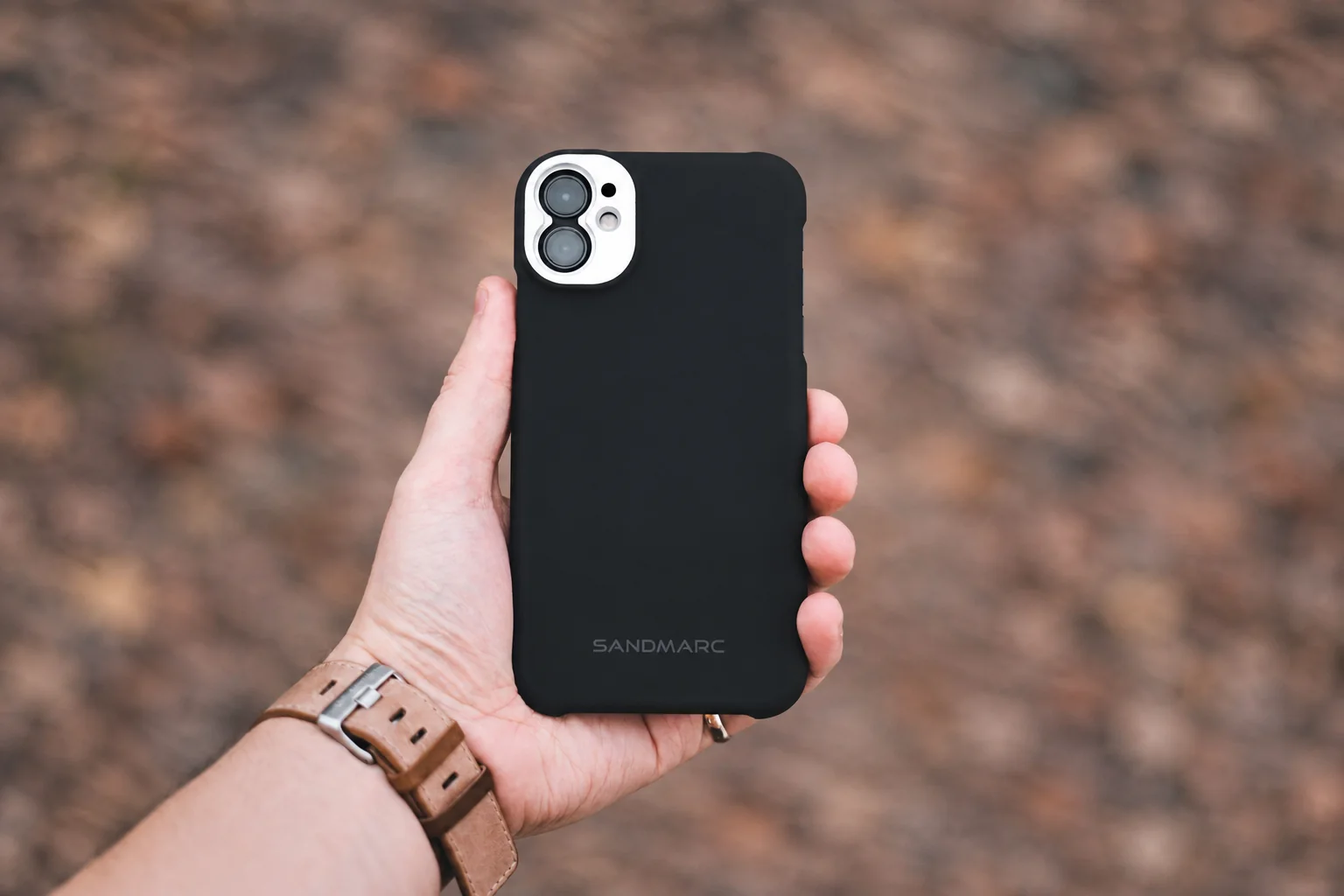
Dedicated case eyelets are a candidate when the case maker specifies their intended strap use. A behind-phone insert is worth considering only when its case compatibility and port clearance are documented. Skip an insert that prevents the phone sitting fully in the case or the plug seating normally.
A detachable strap may suit someone who changes bags or uses a stand often. If detaching it creates a daily nuisance, a simpler wrist loop or pocket carry may fit the routine better. Treat every clip and loop as an attachment to inspect, not an assurance against theft or a dropped phone.
Before ordering, confirm the attachment type, usable length range and charging arrangement. Keep the fit checks while wearing your normal layers for the return period. Long straps need a setting where they will not snag; use a different carrying method around machinery or other snag hazards.
Inspect the attachment method
Some cases have dedicated eyelets; other systems use an insert behind the phone. For an insert, check the case manufacturer's compatibility advice and whether the charging plug still seats fully. Confirm that the insert does not lift the phone out of its fitted position. Do not assume an open-bottom case retains an insert designed for a closed port opening.
Adjust while wearing your usual layers
Fit the strap with the jacket or bag you expect to carry. Walk indoors, sit down and raise the phone to camera height. Check that it does not hit a zipper or pull tight across another strap. The adjustment should remain stable when you put the phone away.
Choose detachable parts carefully
Quick-release clips can simplify charging or changing bags, but they also create connections to inspect. Check gates, seams and attachment loops before use. Keep long straps away from machinery and situations where they could snag. A carrying strap is not a theft-prevention guarantee.
Plan a charging position
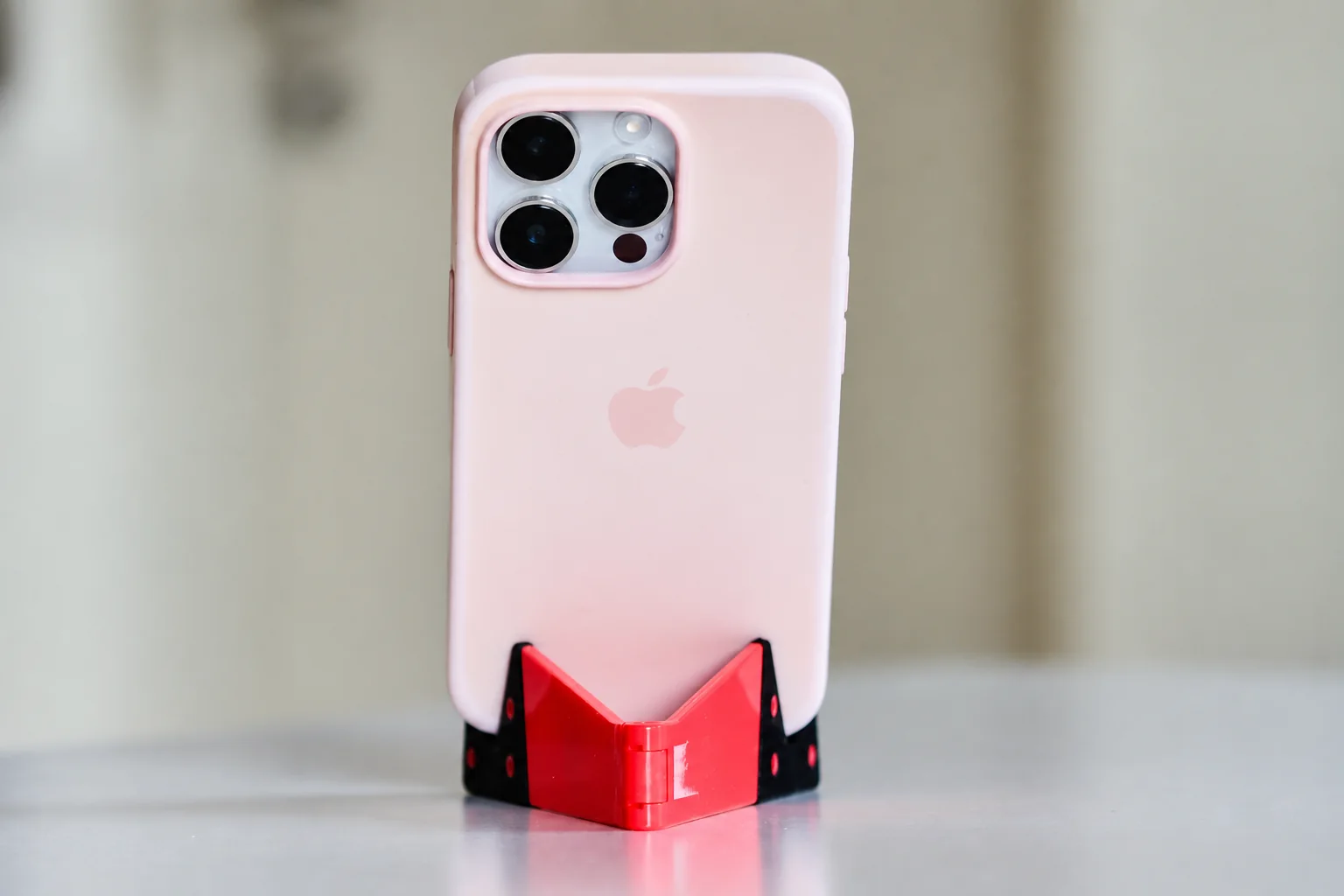
If the strap makes the phone lie unevenly on a stand or wireless pad, decide whether it can be removed easily. Keep the detached strap somewhere obvious rather than letting it dangle into the charging area. The best arrangement is the one you can put on, use and put away without repeatedly changing the case.
Research from linked sources; no PhoneGearDaily hands-on testing. sources, testing and image policy.