Choose a bike mount only after you can match both connections: its clamp to your bike, and its cradle to your phone with the case fitted. If either fit is unclear, keep the phone in a protected pocket and check directions while stopped. A secure cradle cannot compensate for a loose handlebar clamp.
Which mount belongs on your bike?
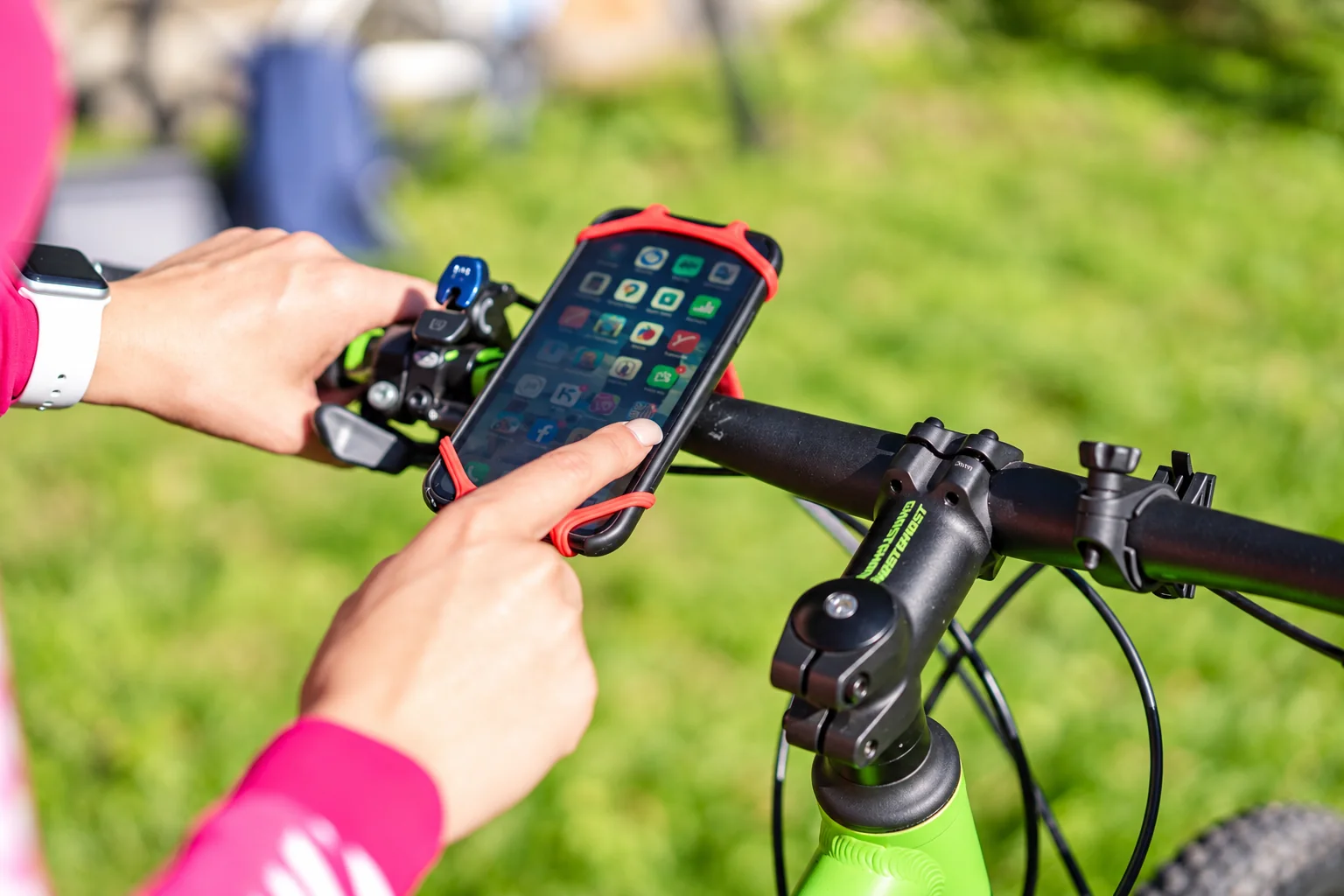
A clamp mount is a candidate when its stated diameter range covers your actual mounting point and its cradle covers the cased phone. Check both ranges in the exact model instructions. A listing that names your phone but omits the bike interface leaves half the purchase unresolved.
Consider a dedicated case-and-lock system if you are willing to use its compatible case every ride. Skip it if keeping your current case matters more, or if your phone variant is missing from the fit list. A magnetic label alone does not establish a complete retention system.
Before ordering, write down the bar diameter, cased-phone dimensions and whether the chosen position clears cables and steering movement. Look for installation instructions you can follow and an exchange route if the physical fit differs. After fitting, check both attachment points while stationary; keep the vibration limits below separate from basic fit.
Check the bike interface
Follow the mount maker's installation and tightening instructions. Confirm that the mount does not interfere with brake hoses, cables, lights or normal steering movement. Use only the specified inserts and fasteners. A mount for one handlebar shape is not automatically suitable for another.
Check phone retention while stationary
Install the phone exactly as directed, confirm the locking mechanism is fully engaged and check that buttons are not held down. If the manufacturer supplies a retention strap, use it as instructed. Do not ride simply to find out whether a doubtful connection holds.
Consider vibration separately
Apple warns that certain high-amplitude vibrations can damage iPhone camera systems, particularly with high-powered motorcycle engines. Its advice is not a guarantee that a bicycle mount or a damping accessory eliminates risk. Check guidance for your phone and vehicle type before deciding to mount it.
Keep navigation adjustments off the move
Set the route before starting and stop in a safe place to interact with the screen. Inspect attachment points after changes to the bike or phone case and at the intervals required by the mount maker. If a secure, unobstructed position is unavailable, carry the phone in a protected pocket and consult directions while stopped. A mount is optional; reliable control of the bike is not.
Research from linked sources; no PhoneGearDaily hands-on testing. sources, testing and image policy.